 HTrace Screen Space Global Illumination
Visuals
Backface Lighting
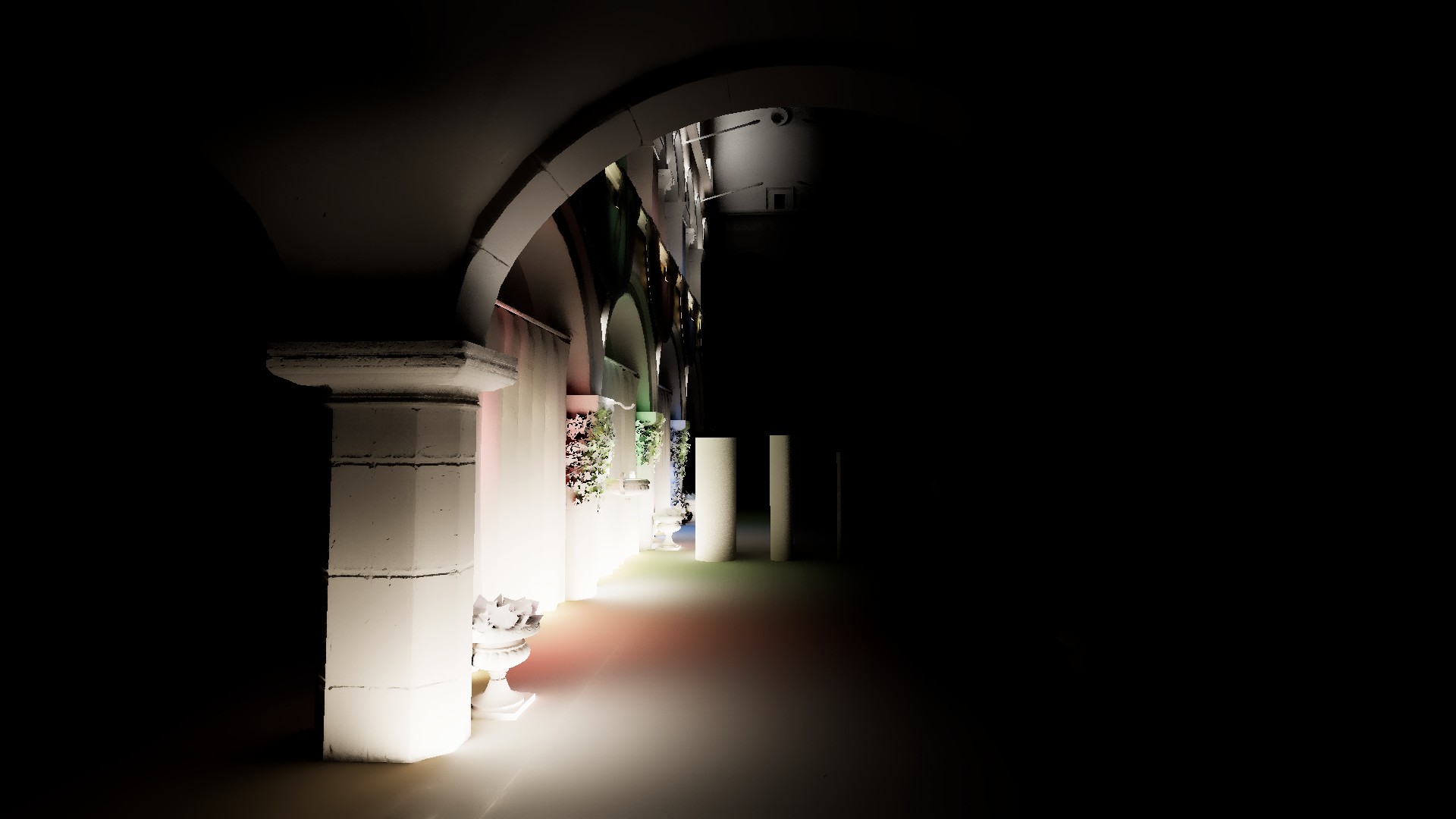
Allows rays to gather lighting from surfaces facing away from them. This option sacrifices the physical correctness of light transport, often resulting in implausible lighting behavior, in order to gather more light from the frame — which can be useful in cases where visible direct lighting is very sparse.
Performance impact: none
HDRP's SSGI always uses backface lighting.
Backface Lighting = 0
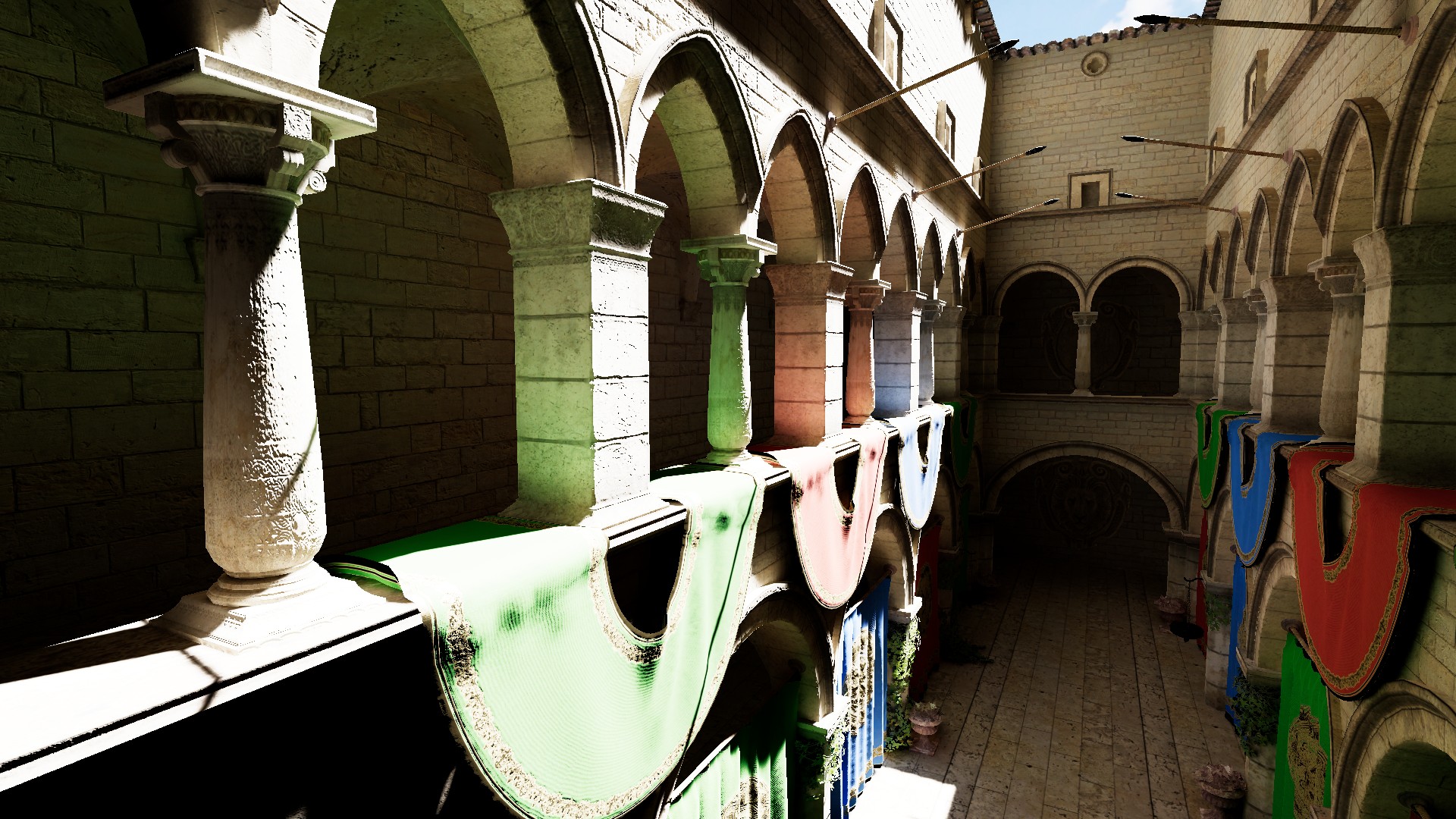
Backface Lighting = 1
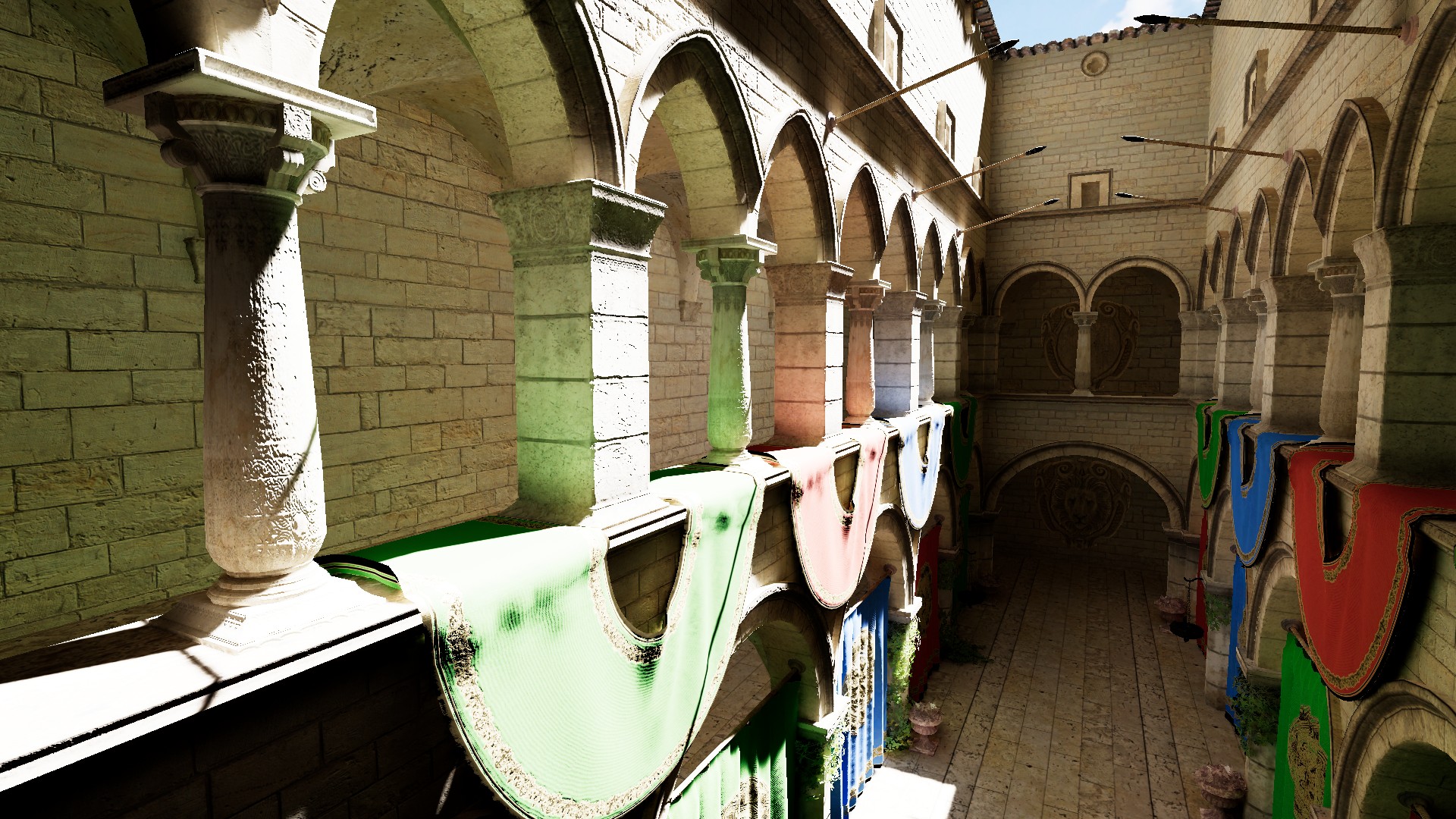
Backface Lighting = 0
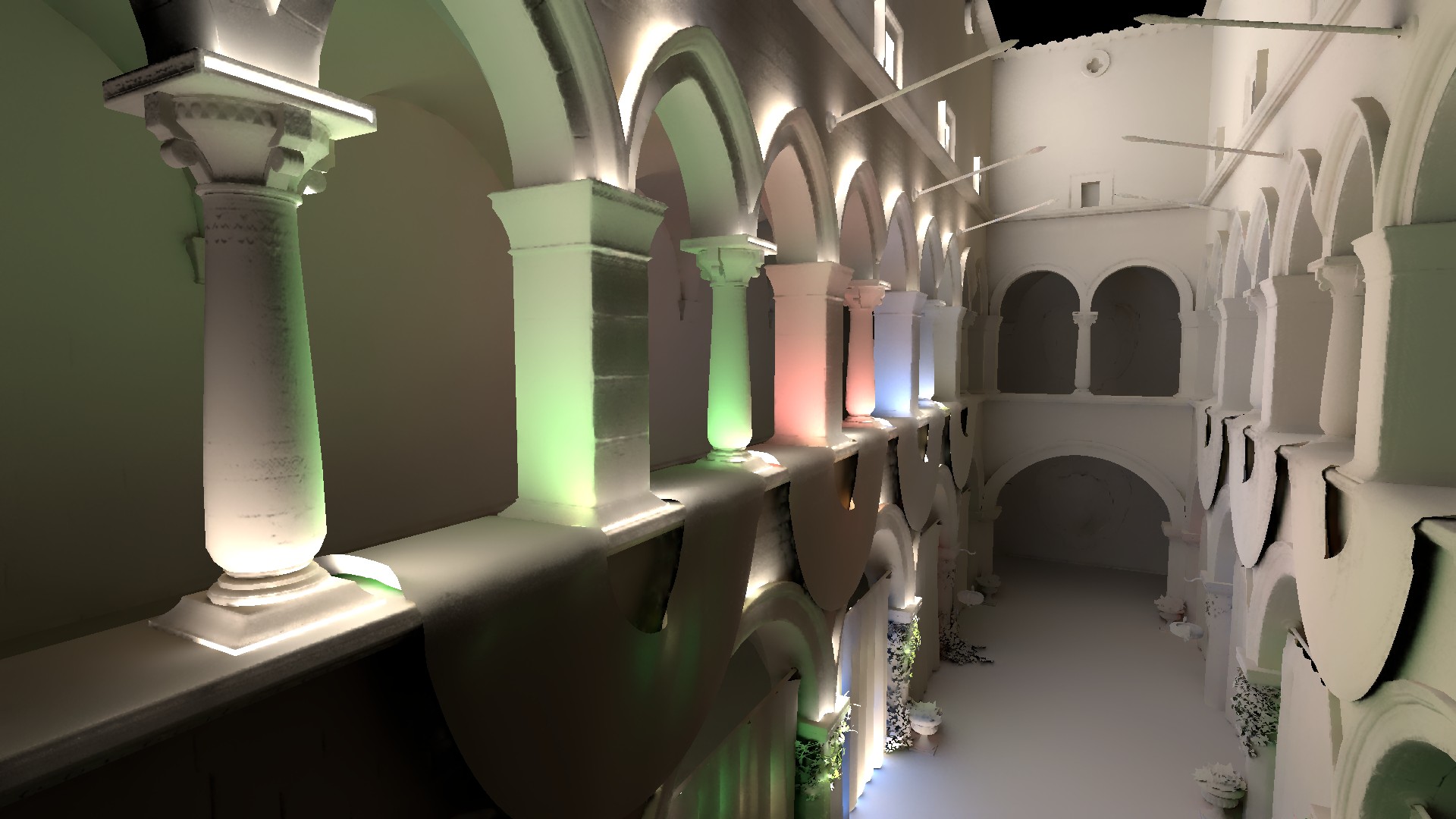
Backface Lighting = 1
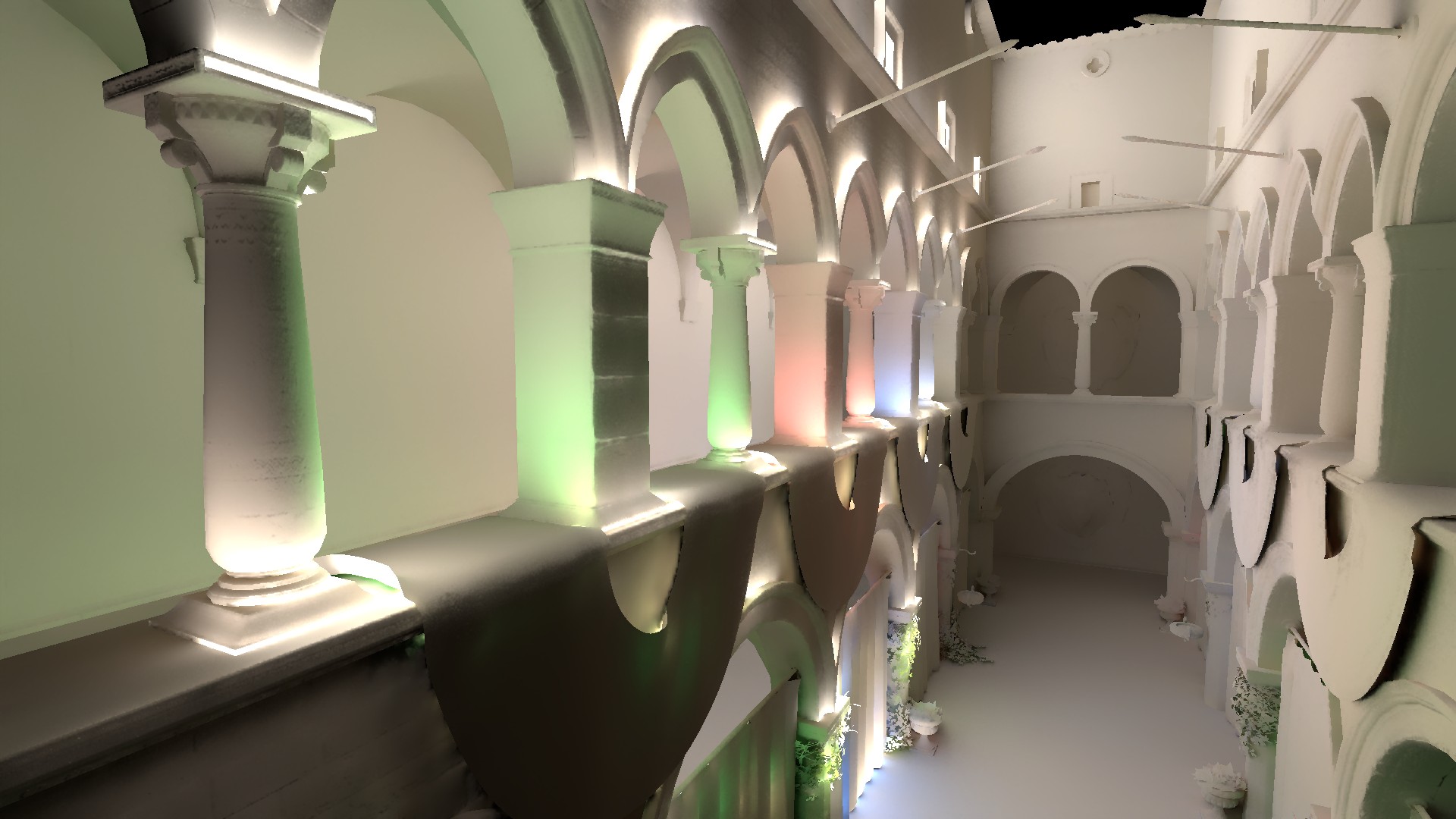
Max Ray Length
Defines the maximum ray length in meters, in world space. The final length is clipped against the frame bounds in screen space. Therefore, the maximum value is effectively unbounded, and a ray will not be traced longer than necessary.
Performance impact: small
Ray Length = 2
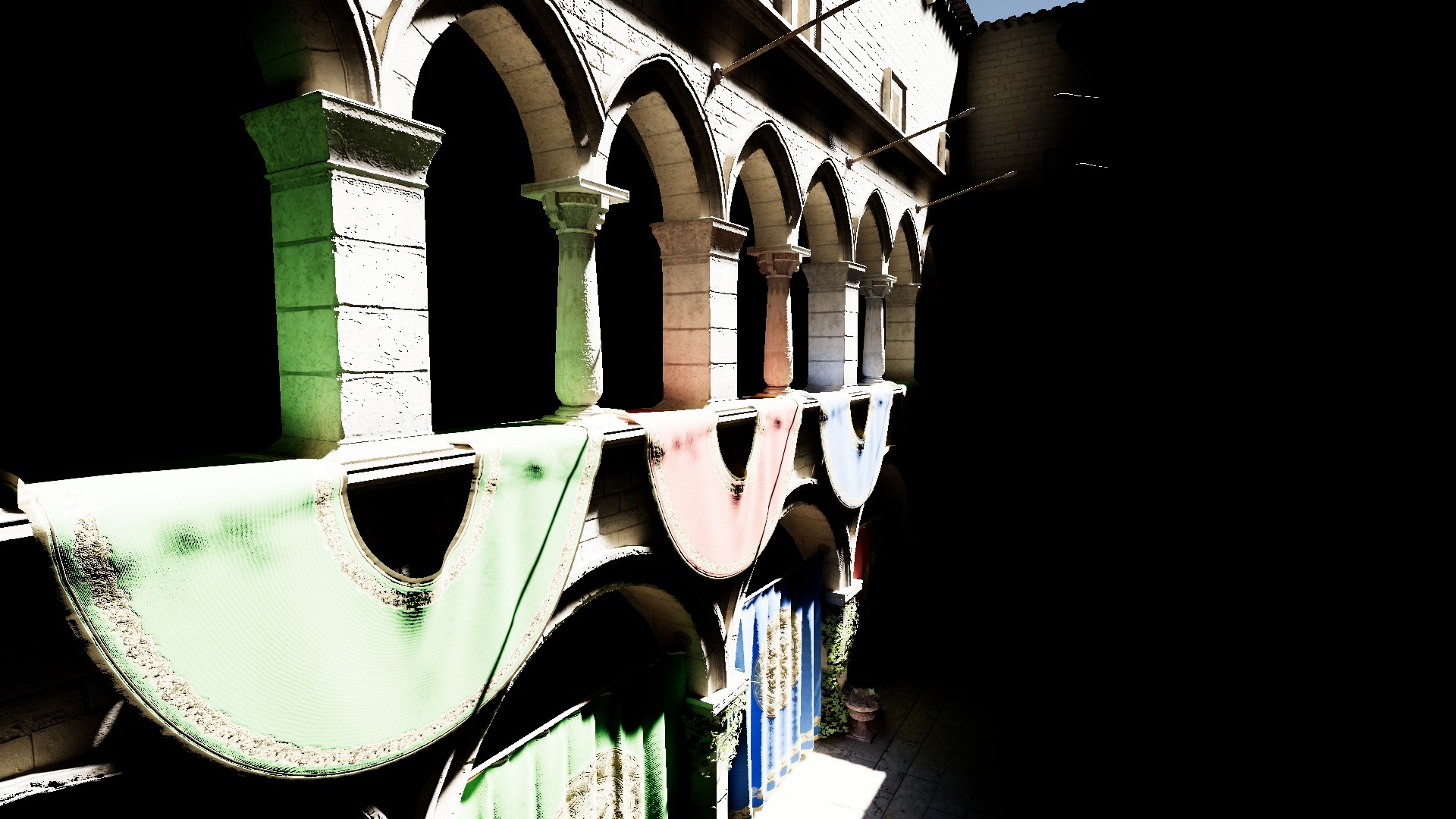
Ray Length = 4
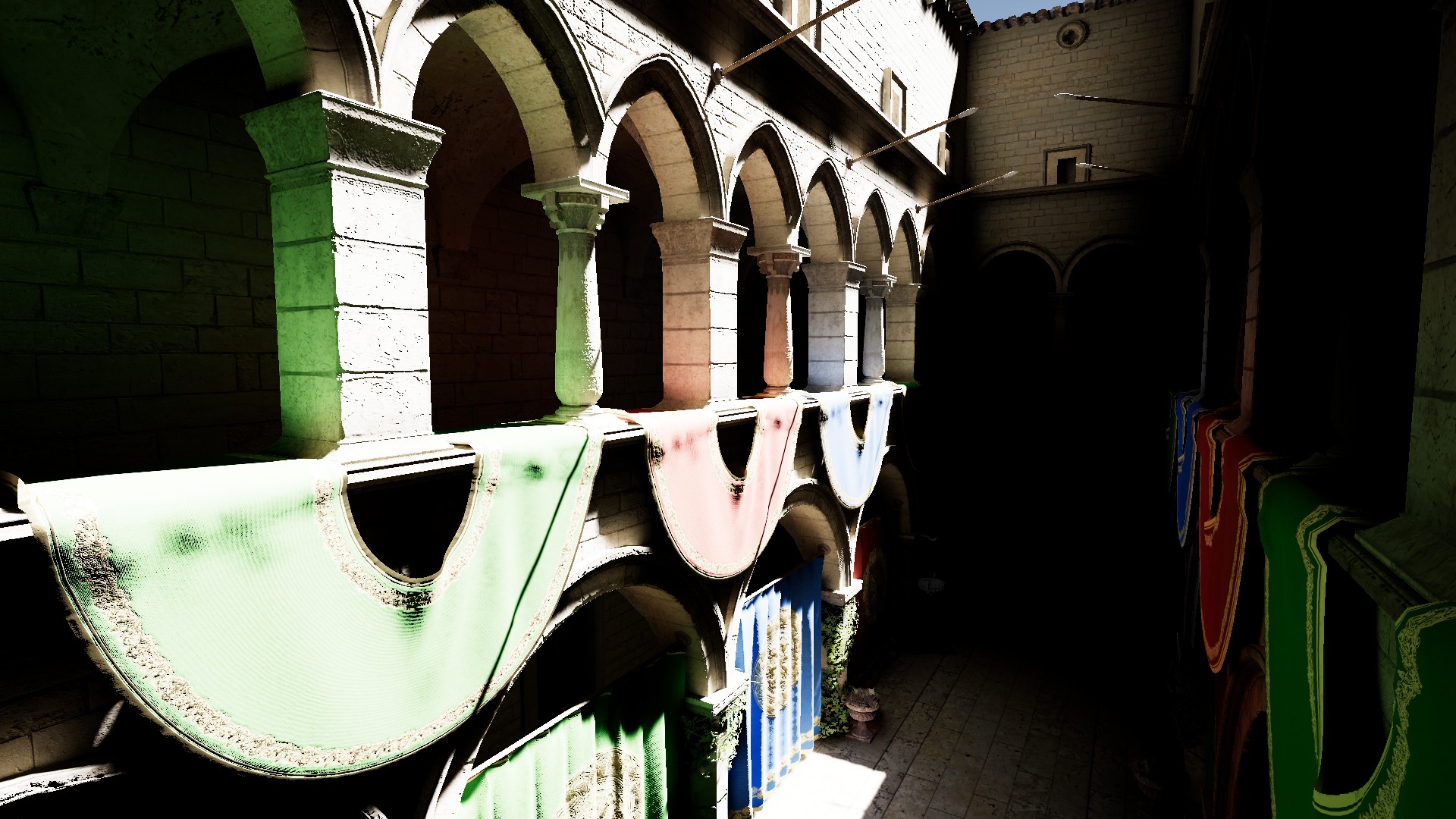
Ray Length = 20
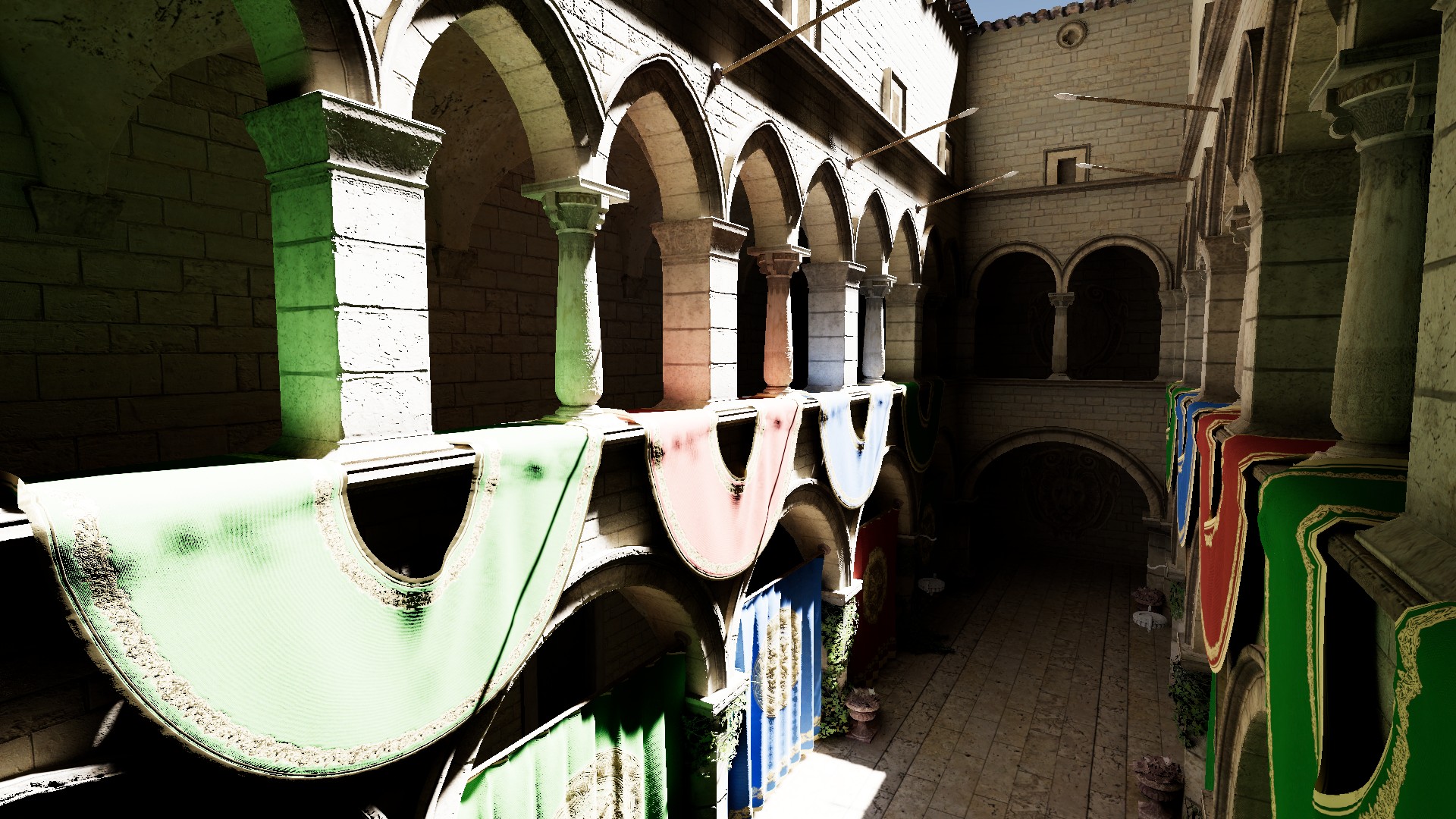
Thickness Mode
Defines the method used for thickness calculation:
- Relative - Increases thickness linearly with distance, allowing more light to be gathered at the cost of accuracy.
- Uniform - Keeps thickness constant, producing more precise and stable intersections at the cost of losing some brightness.
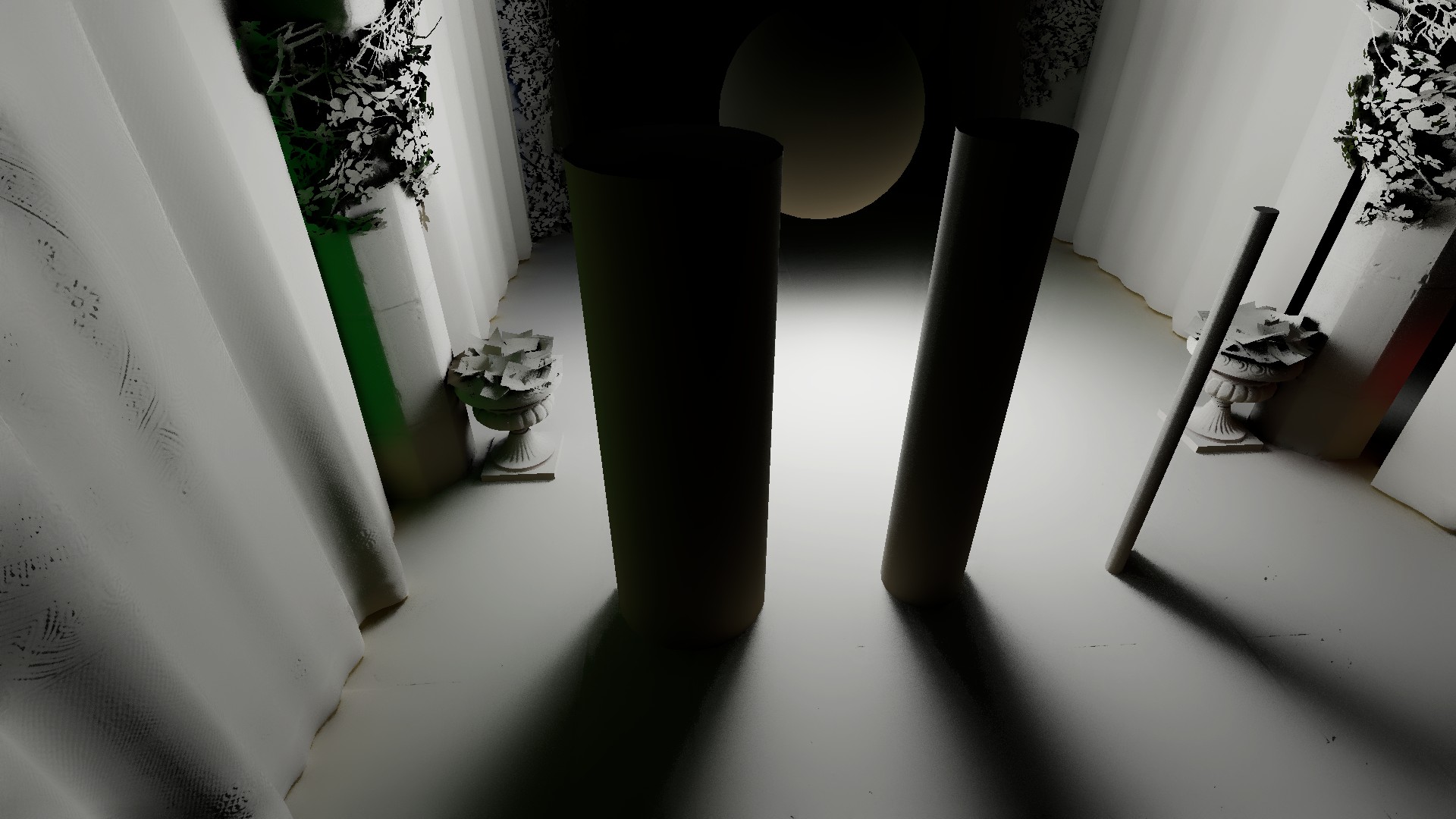
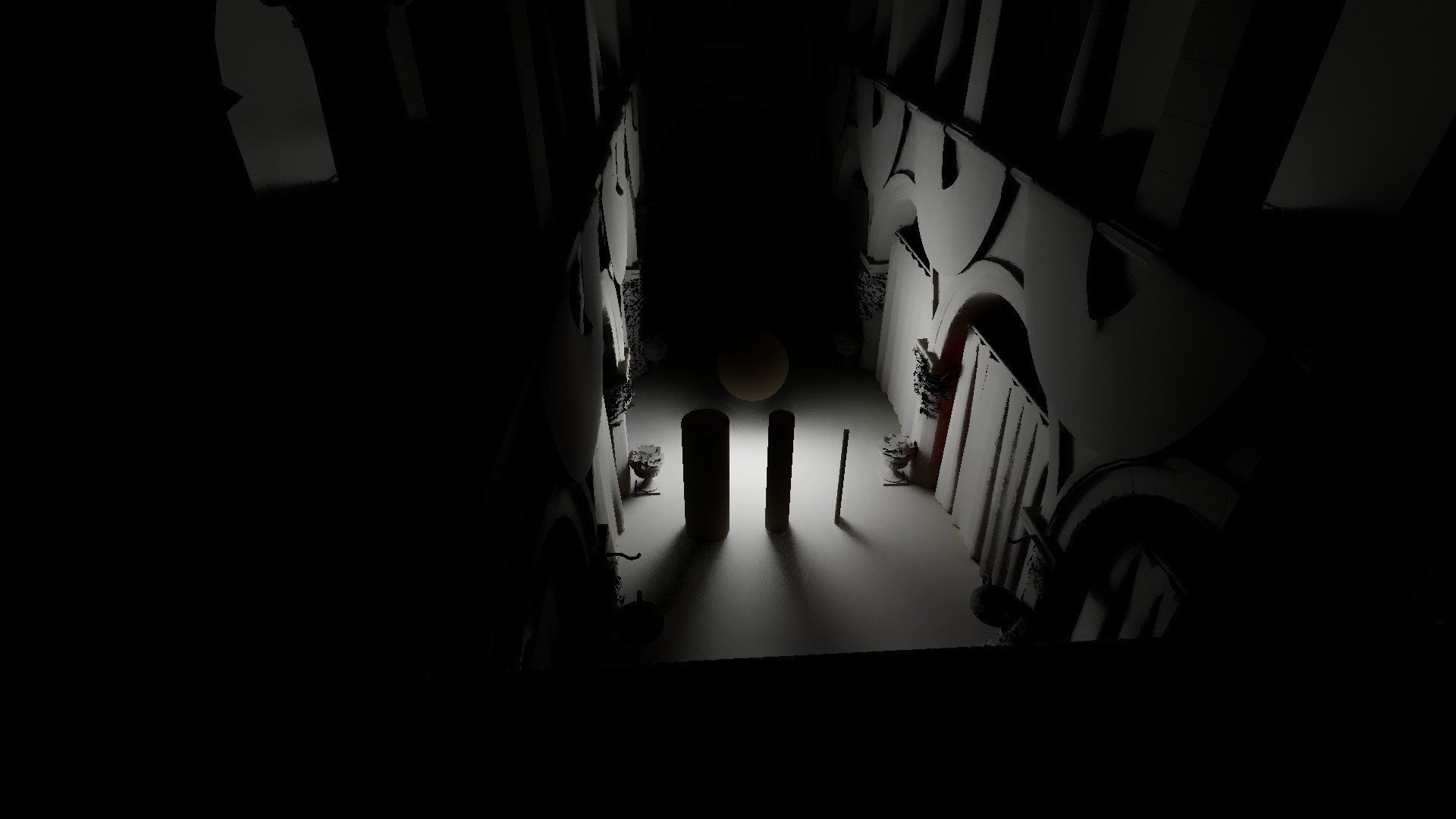
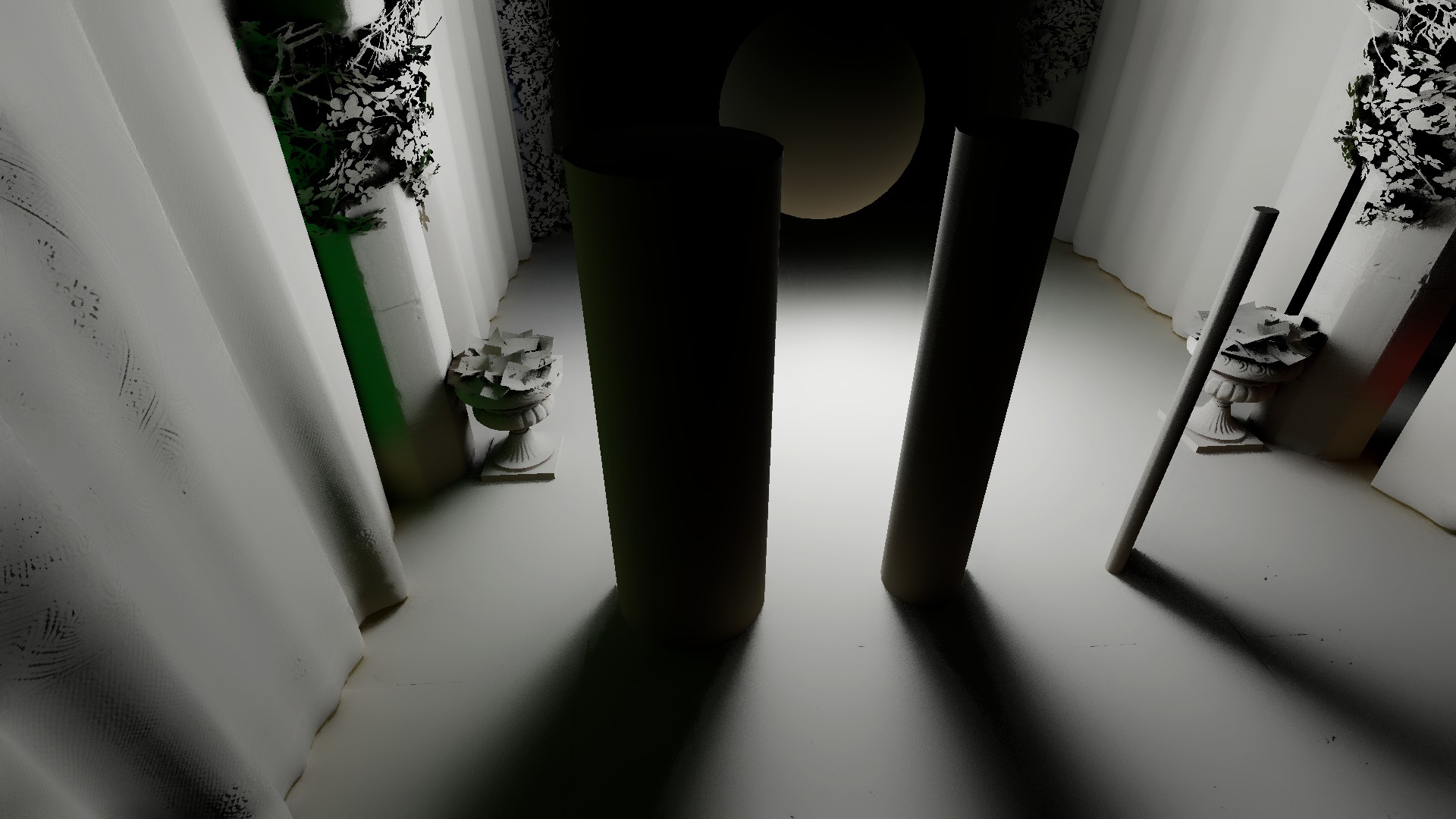
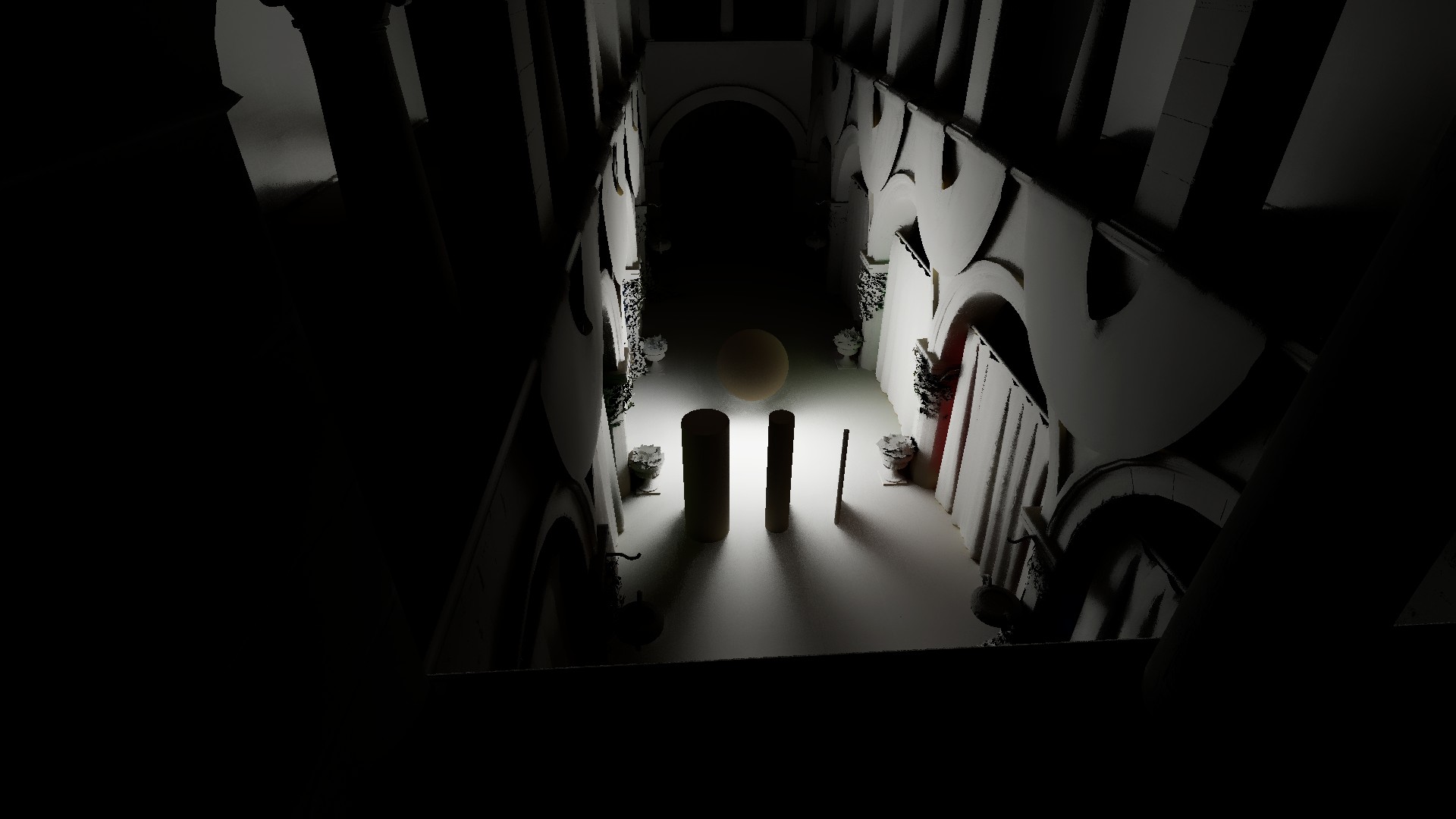
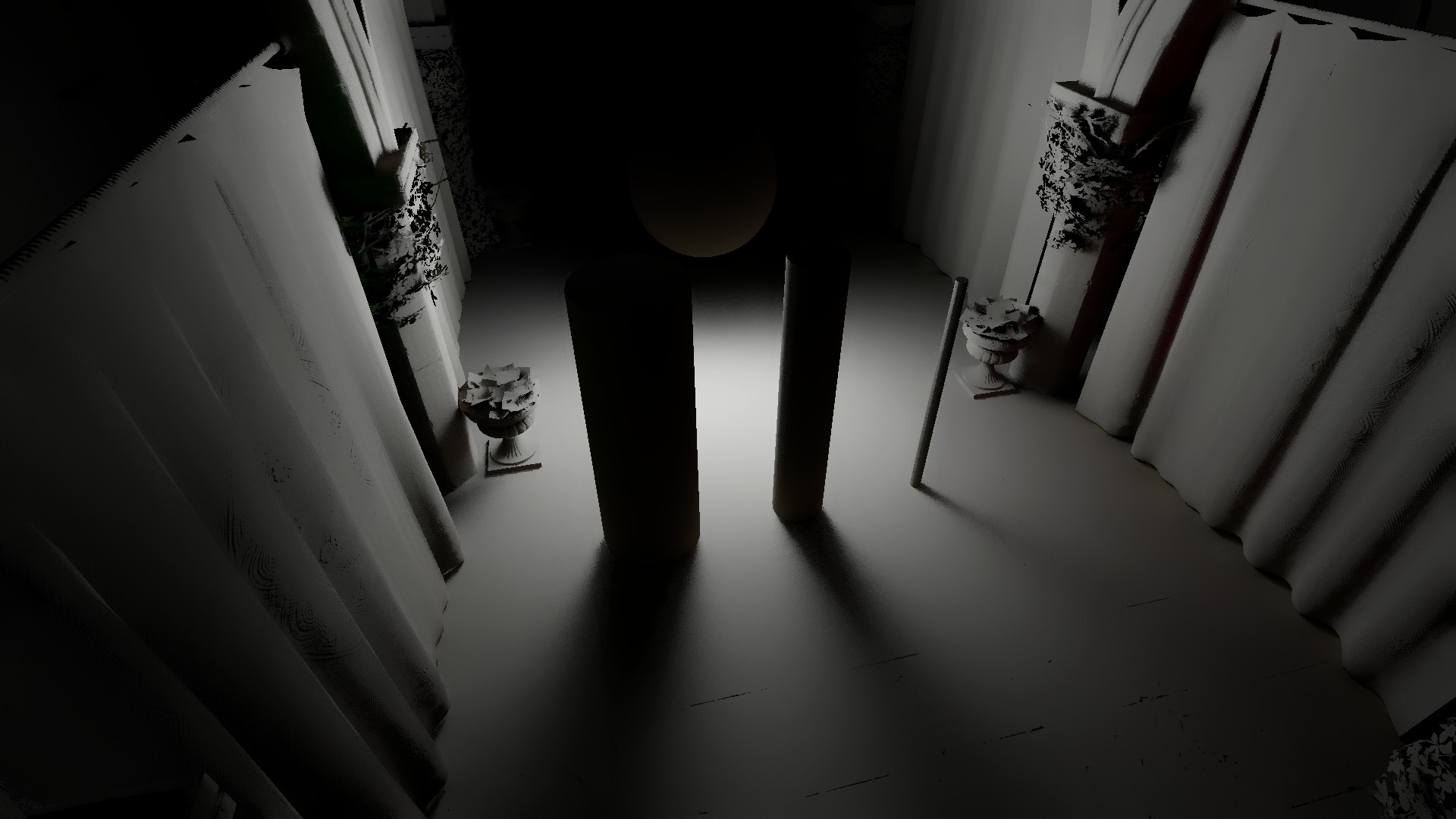
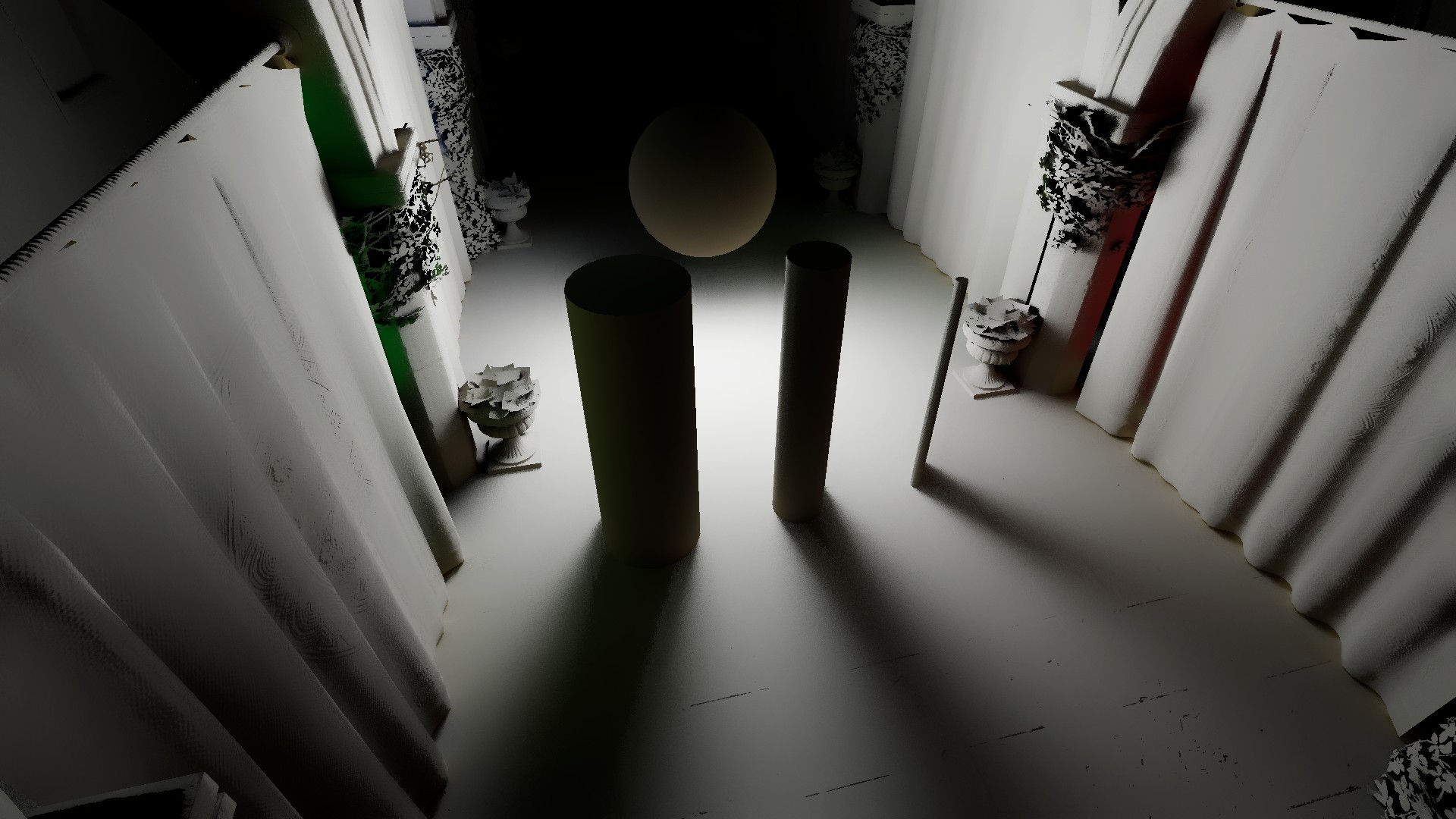
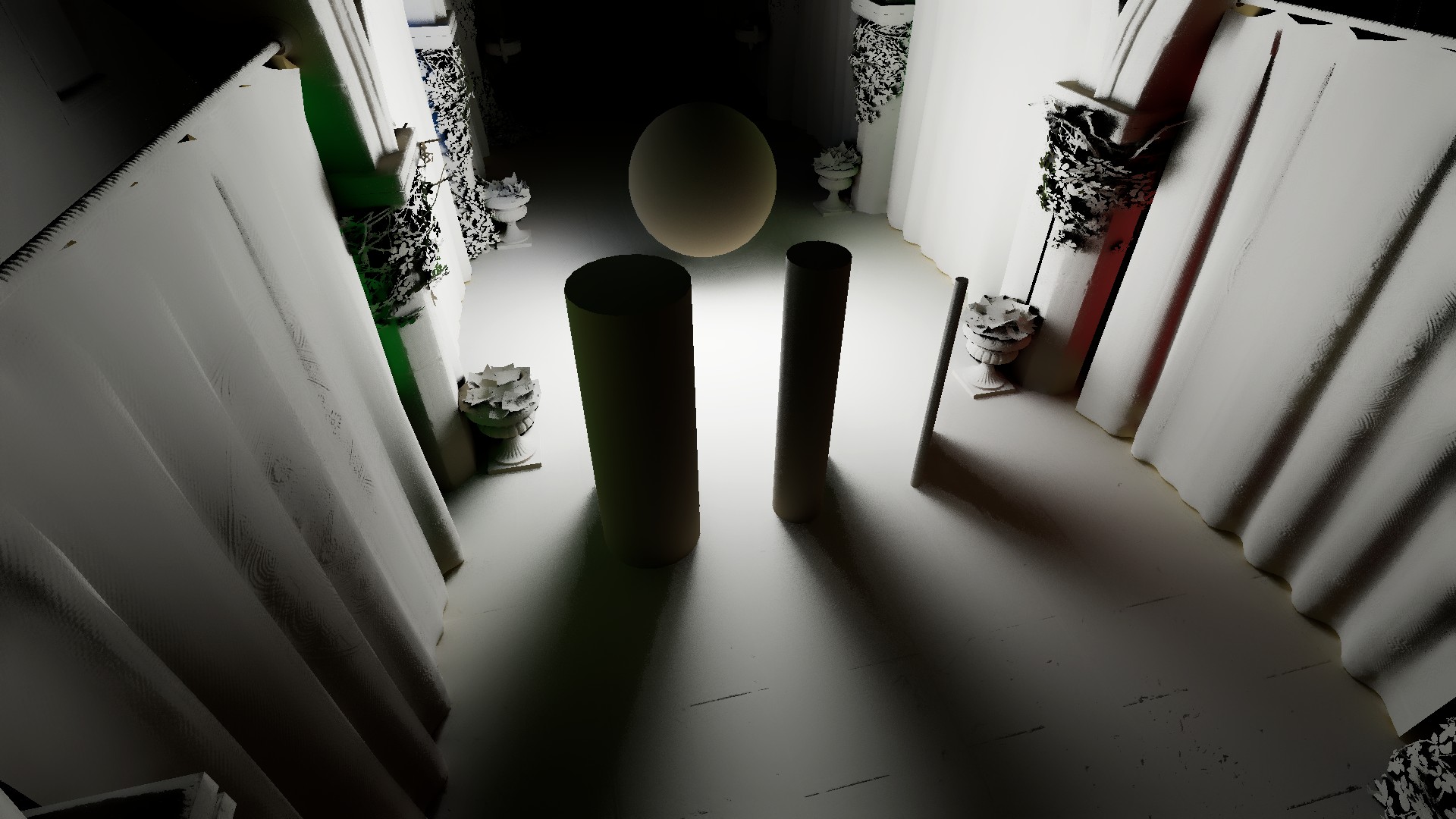
In the comparison below, you can see how Uniform thickness maintains the width of indirect shadows from the cylinders as the camera moves away, while Relative thickness gathers more light, producing overall brighter GI.
Performance impact: none
Uniform (Close)
Uniform (Far)
Relative (Close)
Relative (Far)
Thickness
Controls the virtual thickness of objects. Since a screen-space tracer uses the Depth Buffer to find intersections in the scene, it cannot know the true object thickness. Instead, an arbitrary parameter is used. Lower values make intersections more exact, but because of the stricter condition, fewer ray hits are accepted, which reduces overall GI brightness but produces more plausible contact shadows.
Performance impact: none
Thickness = 0.06
Thickness = 0.35
Thickness = 0.85
Intensity [URP]
Controls the final intensity of indirect lighting.
Performance impact: none
Intensity = 1
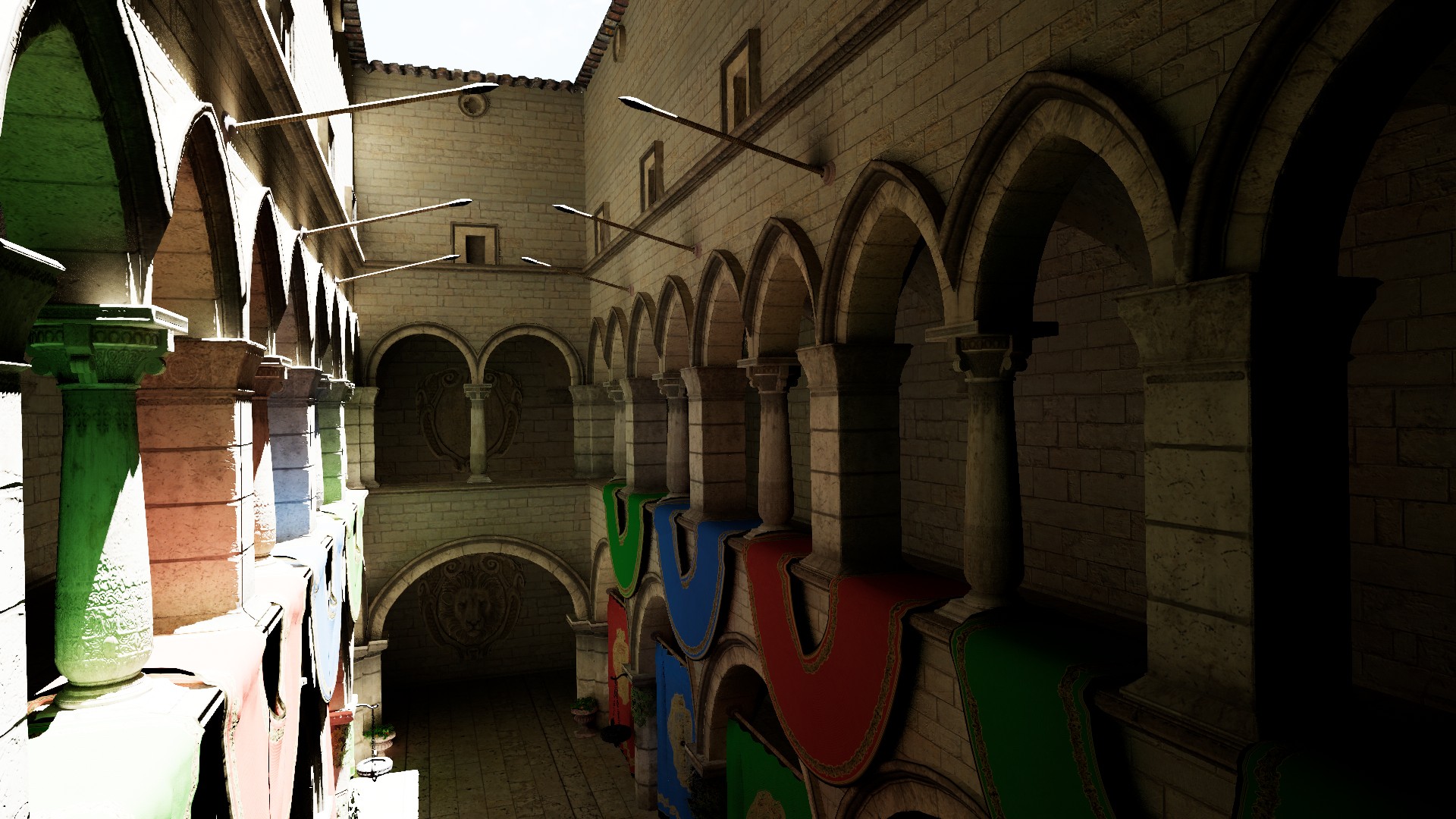
Intensity = 2
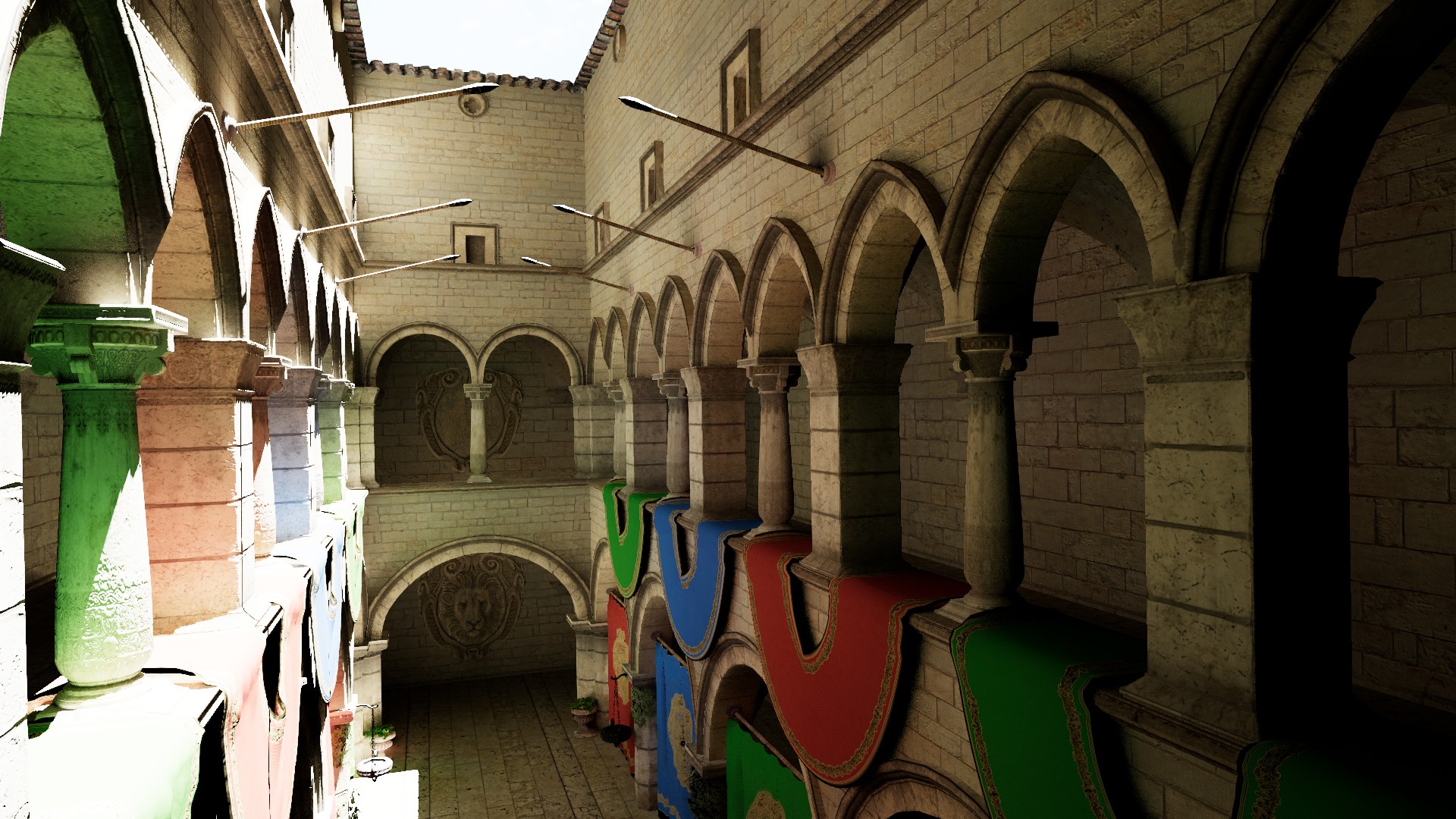
Falloff
Controls the falloff of indirect lighting in world space. This is an artistic parameter intended to soften transitions for short Max Ray Length values. It has little to no effect when rays extend to cover the entire frame.
Performance impact: none
Falloff can be especially useful when APV Fallback is active, as it helps create a more natural blend between the two GI systems and reduces screen-space leaks.
Ray Length = 3, Falloff = 0
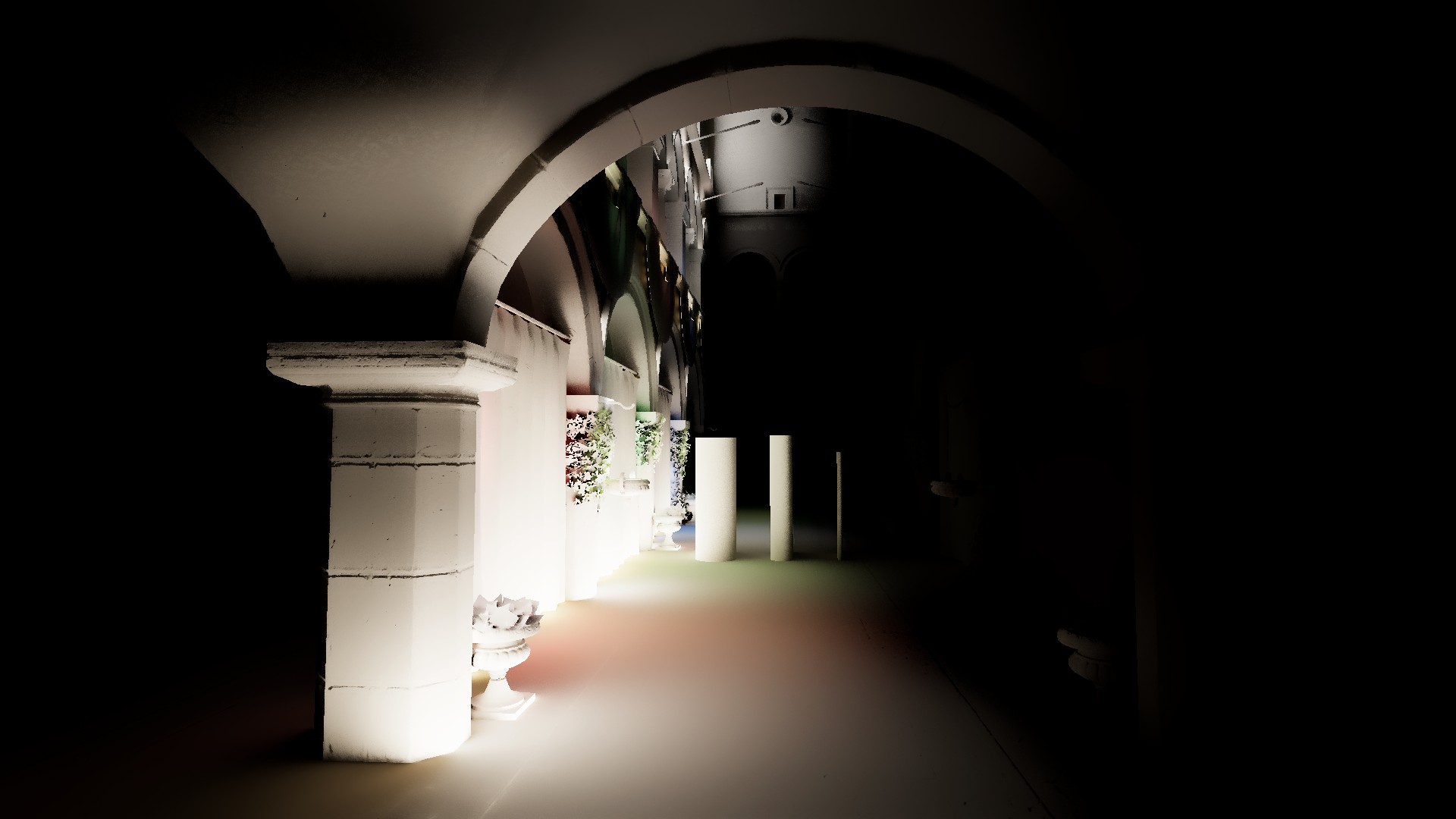
Ray Length = 3, Falloff = 1