 HTrace Ambient Occlusion
Spatial Denoising
Filter Type
Defines the spatial filtering approach.
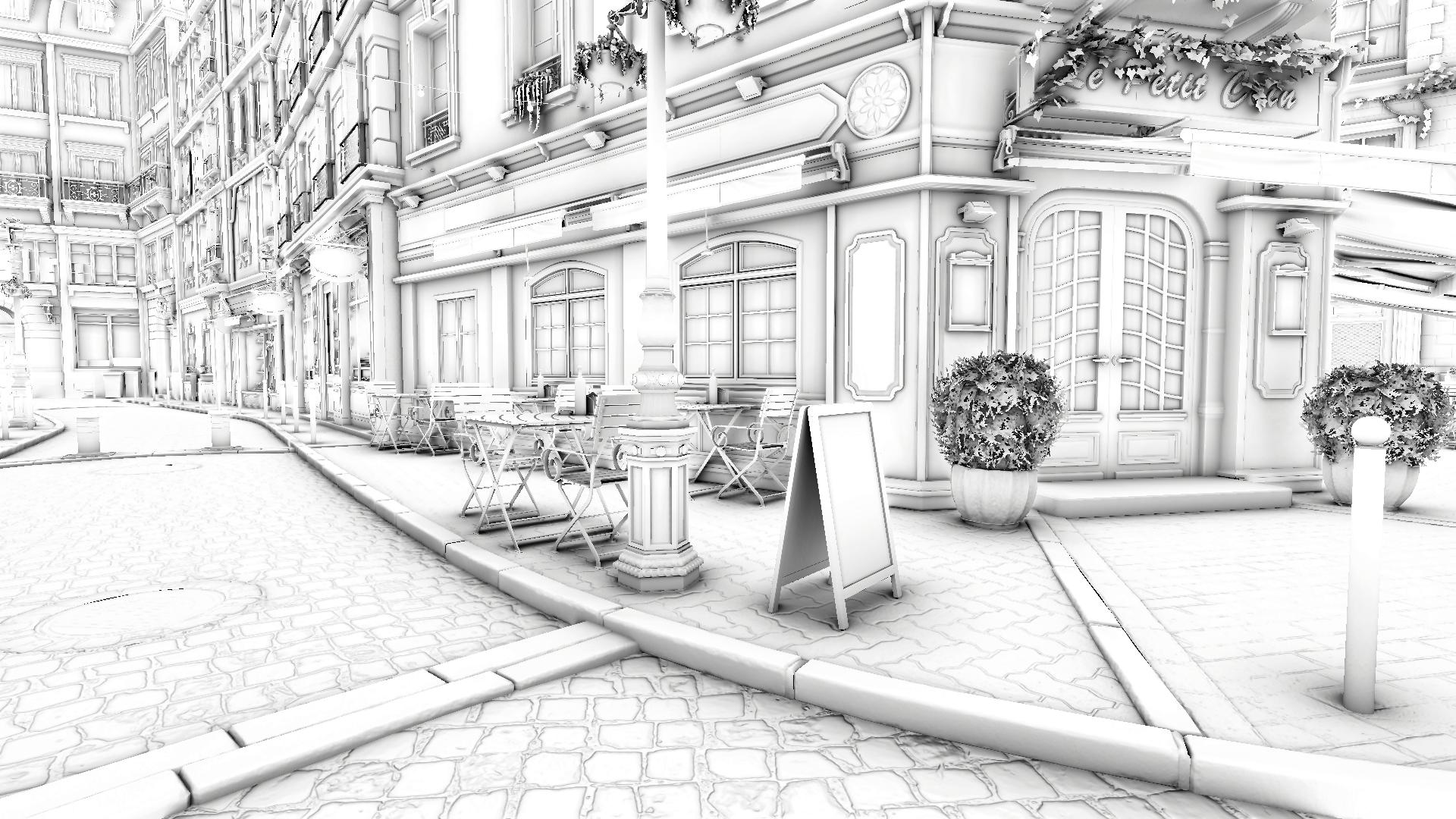
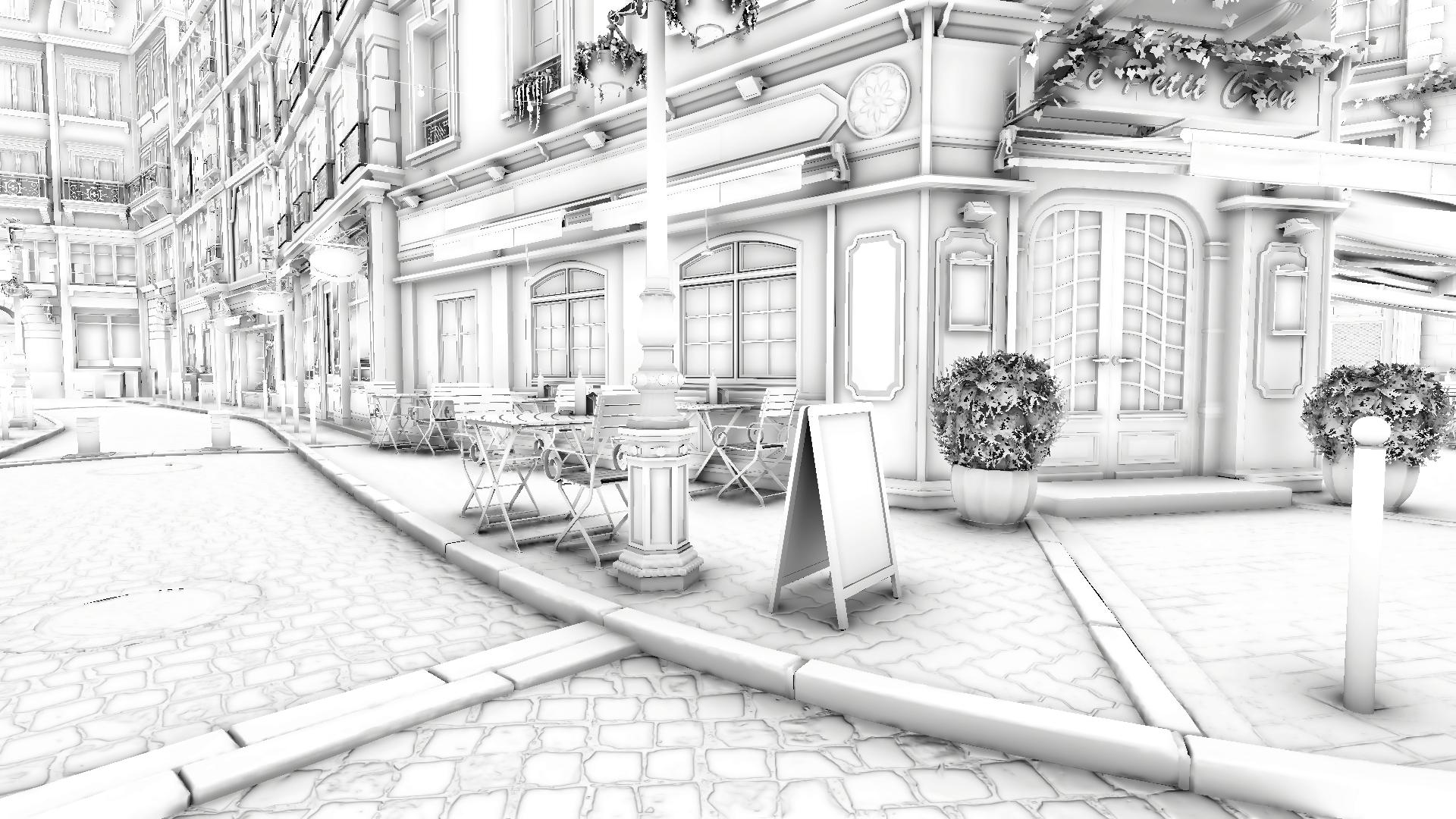
- Box: gathers samples from neighboring pixels. Provides stronger noise reduction and smoother results, but may over-blur details at grazing angles and at a distance.
- Disk: uses an anisotropic disk aligned with the surface normal, with radius adjusted by distance. Better preserves fine details, but can introduce some low-frequency noise.
Pass Count [Box]
Controls the number of box passes. Each consecutive pass samples more distant pixels, so increasing this value makes the blur wider and stronger at the cost of performance.
Performance impact: small
Filter Radius [Disk]
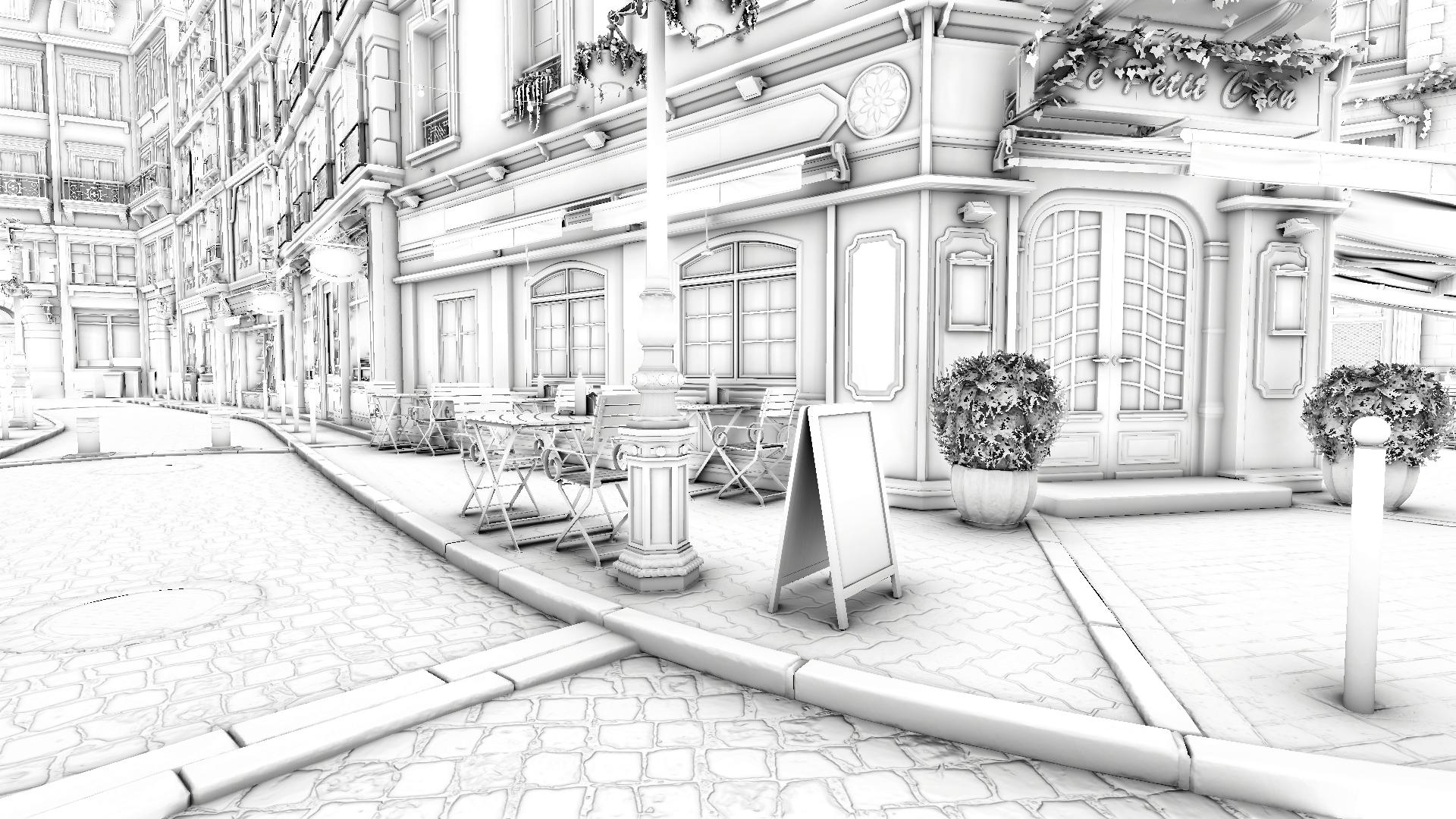
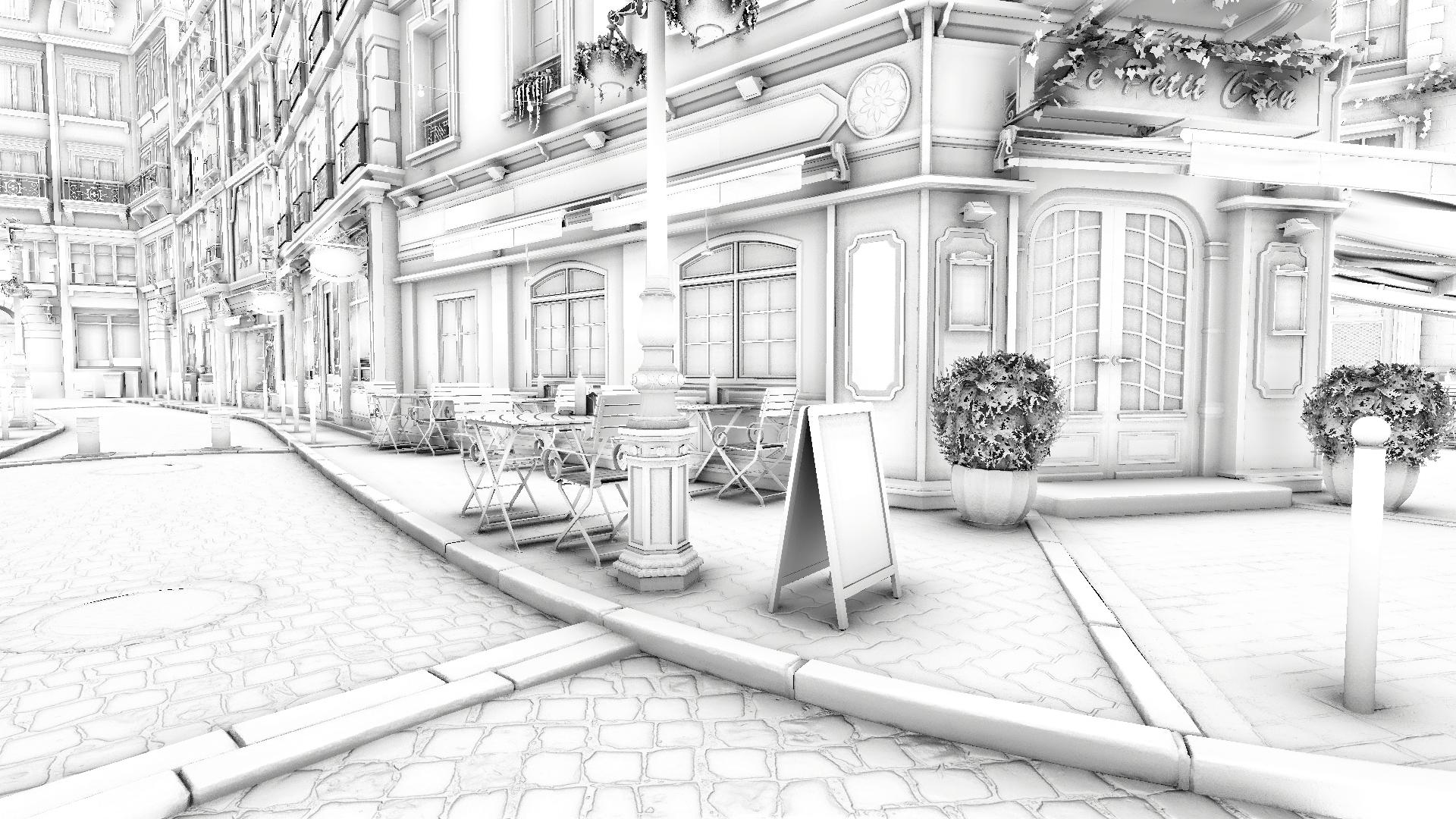
Defines the radius of the anisotropic filtering disk. The higher the radius, the stronger the noise reduction, however, beyond a certain value, halo-like artifacts may appear around objects. It is recommended to use the lowest value that provides sufficient noise reduction.
Setting this parameter to 0 disables the spatial filter for the entire frame except for disocclusion areas, retaining the sharpness of temporal denoising on converged pixels while applying spatial denoising to non-accumulated areas - the best of both worlds.
Performance impact: small
Filter Adaptivity [Disk]
Adaptively shrinks the filter radius in crevices and other highly occluded areas to better preserve details from over-blurring. Use with care, high values may reduce the filter's effectiveness!
Performance impact: none
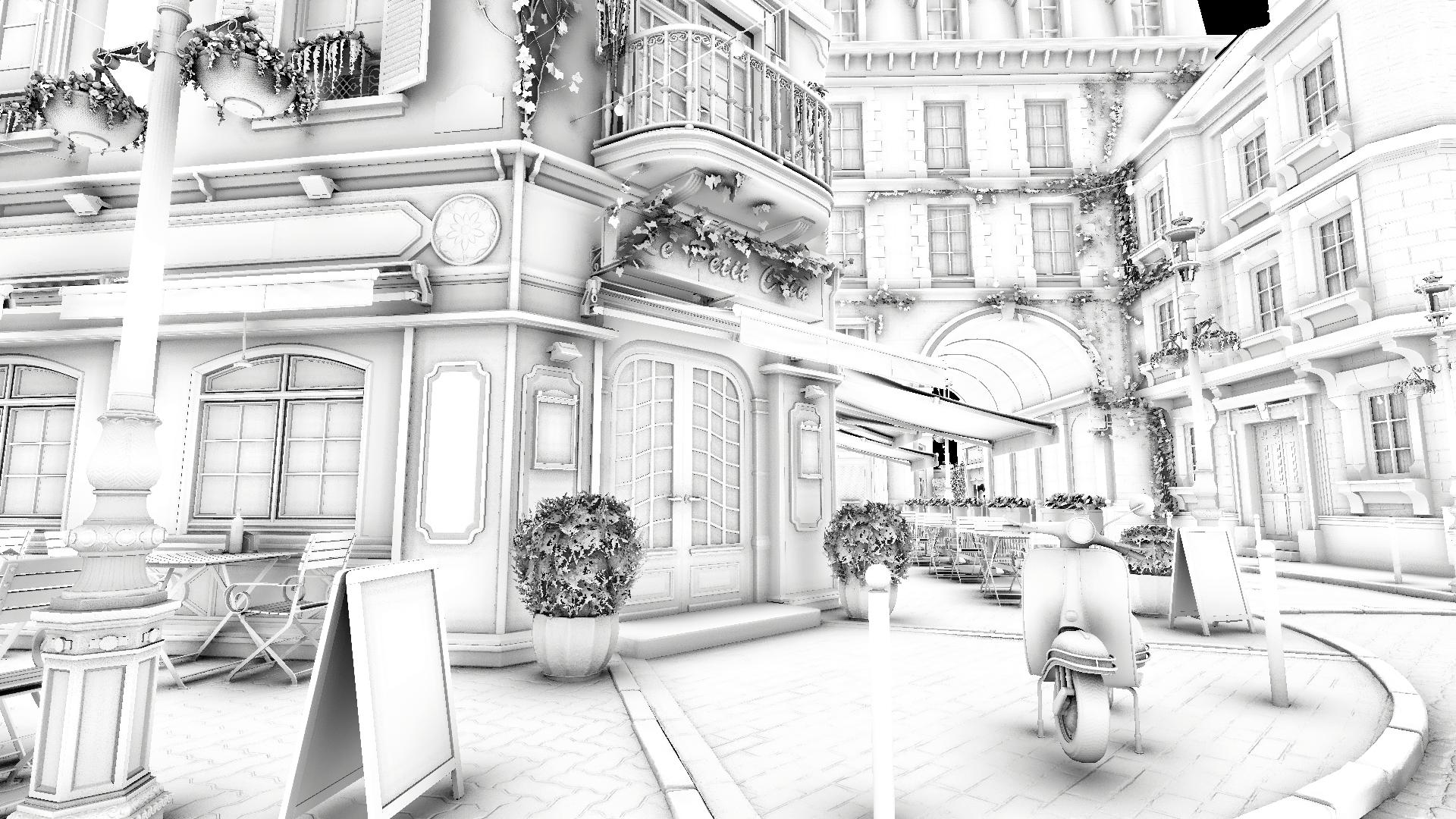
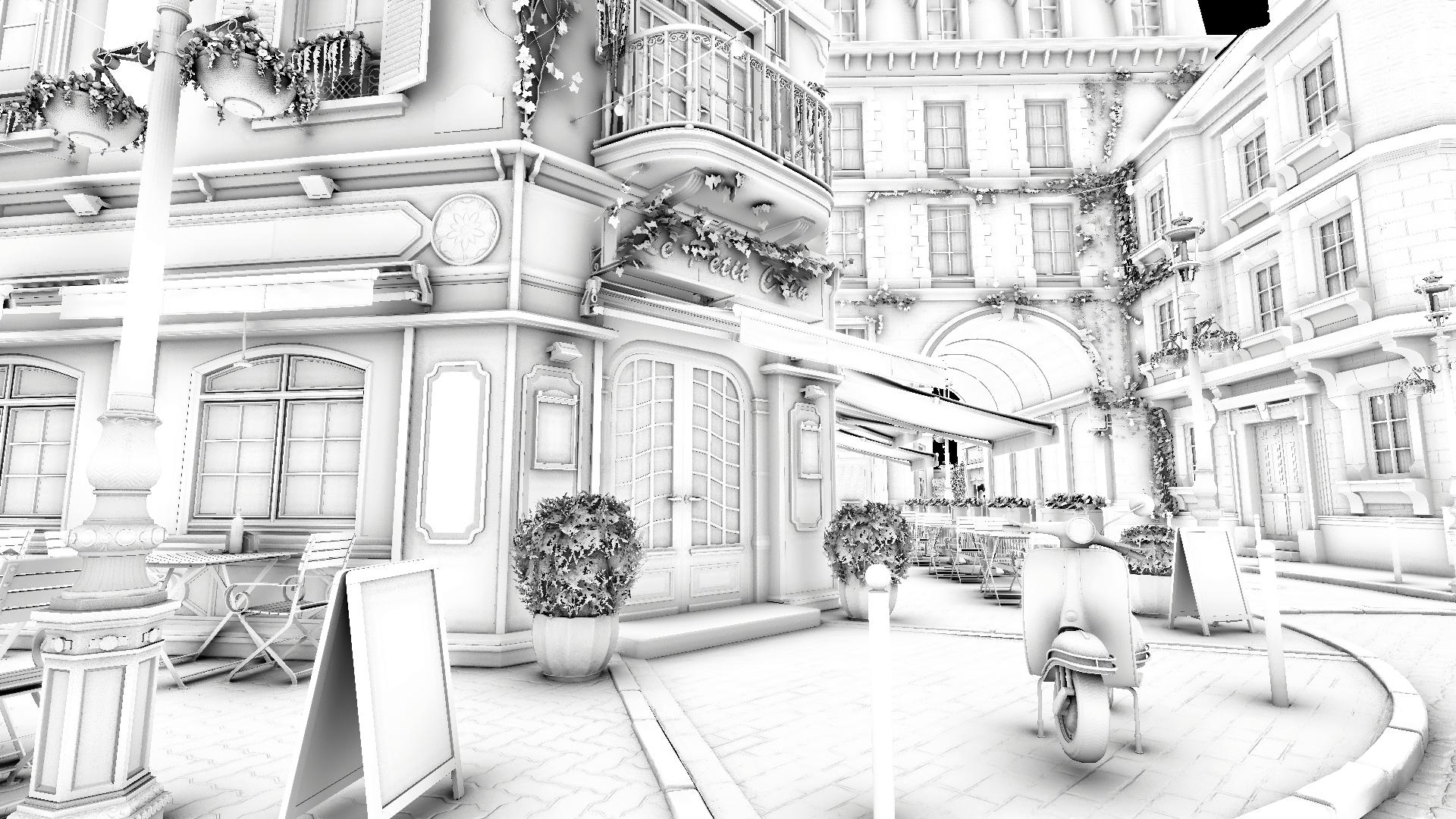
Double Sample Count
Increases the number of spatial sample taps by a factor of 2, making the spatial filter twice as costly but twice as efficient.
Performance impact: moderate