 HTrace Ambient Occlusion
SSAO Settings
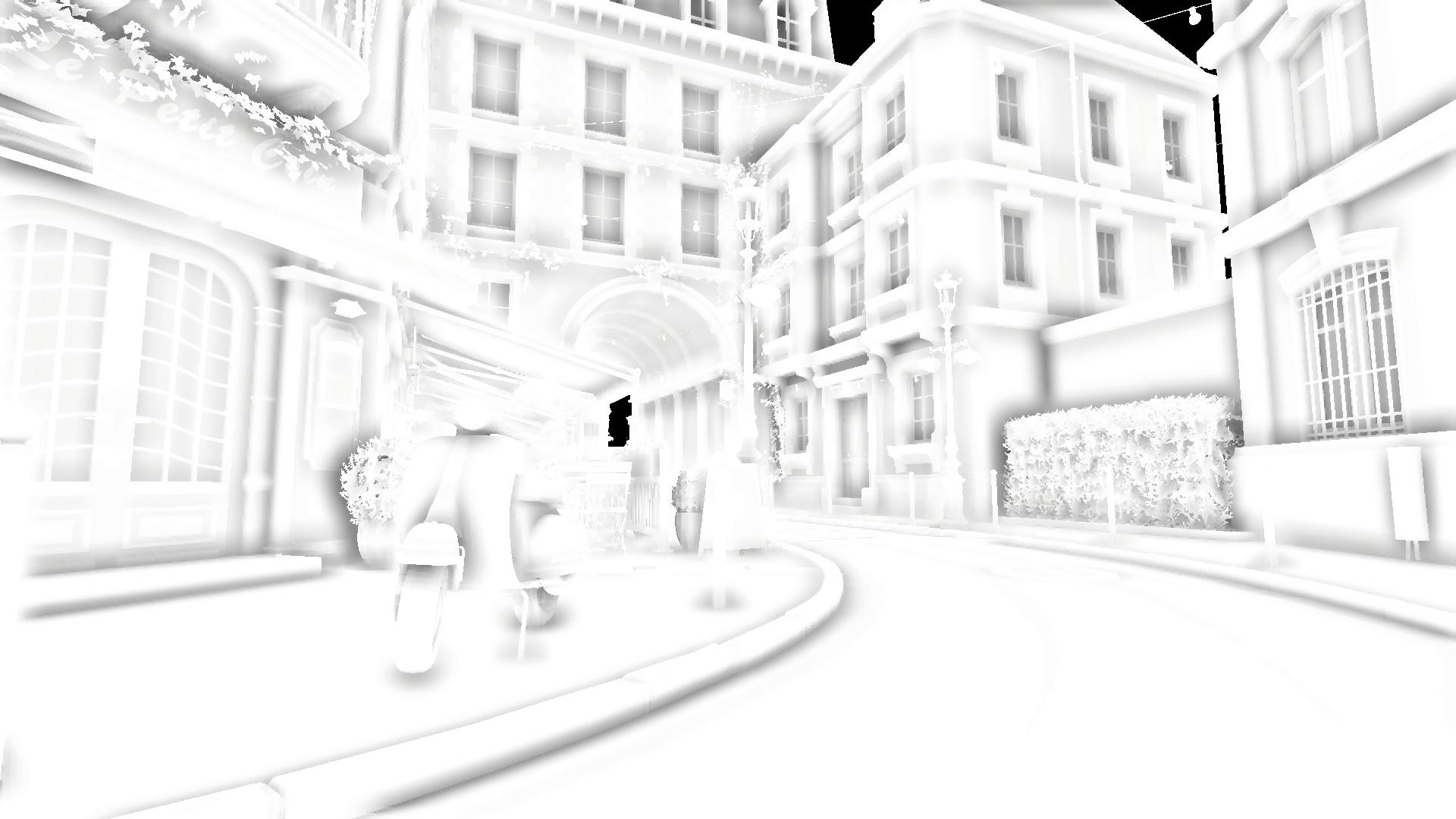
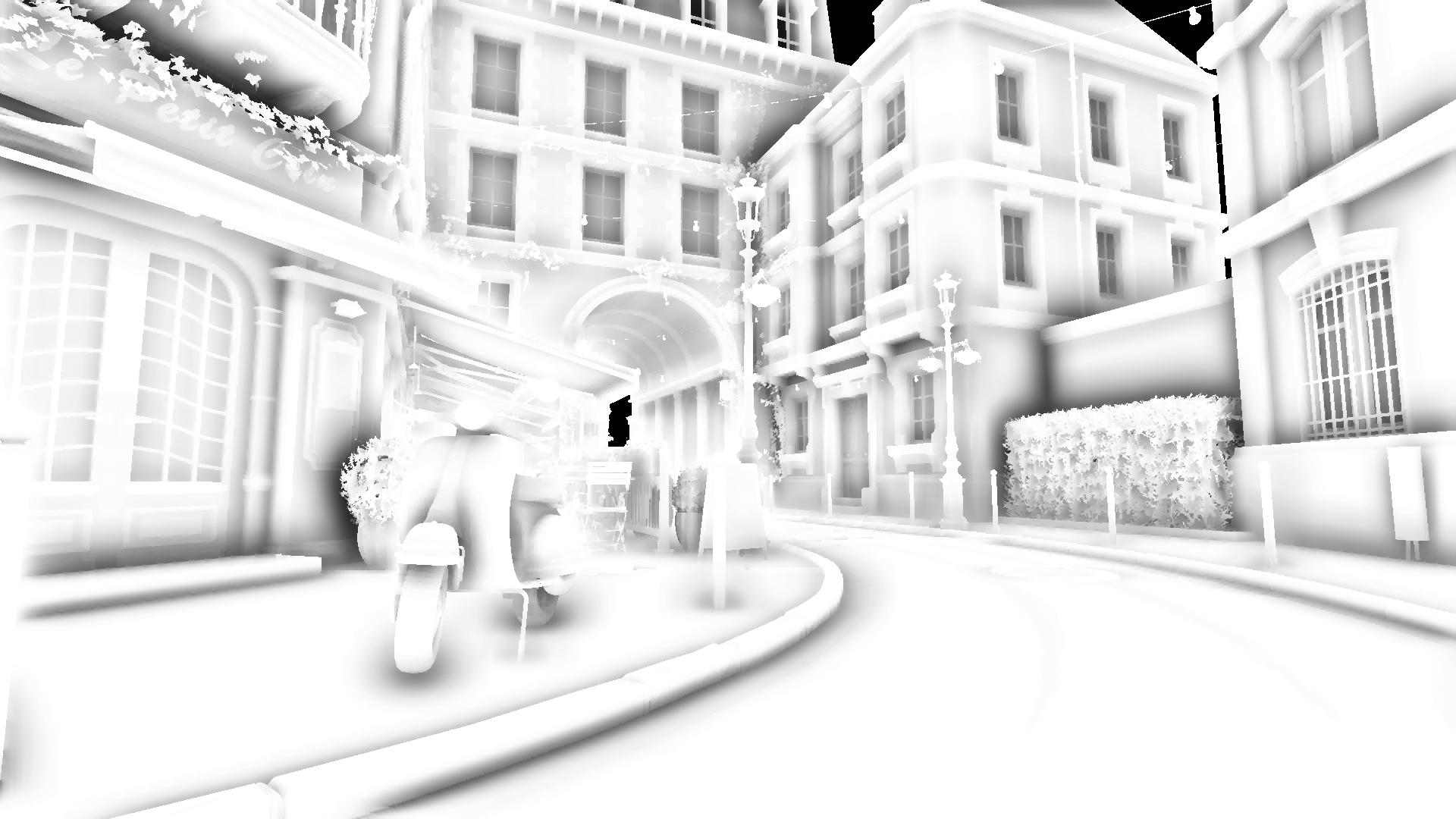
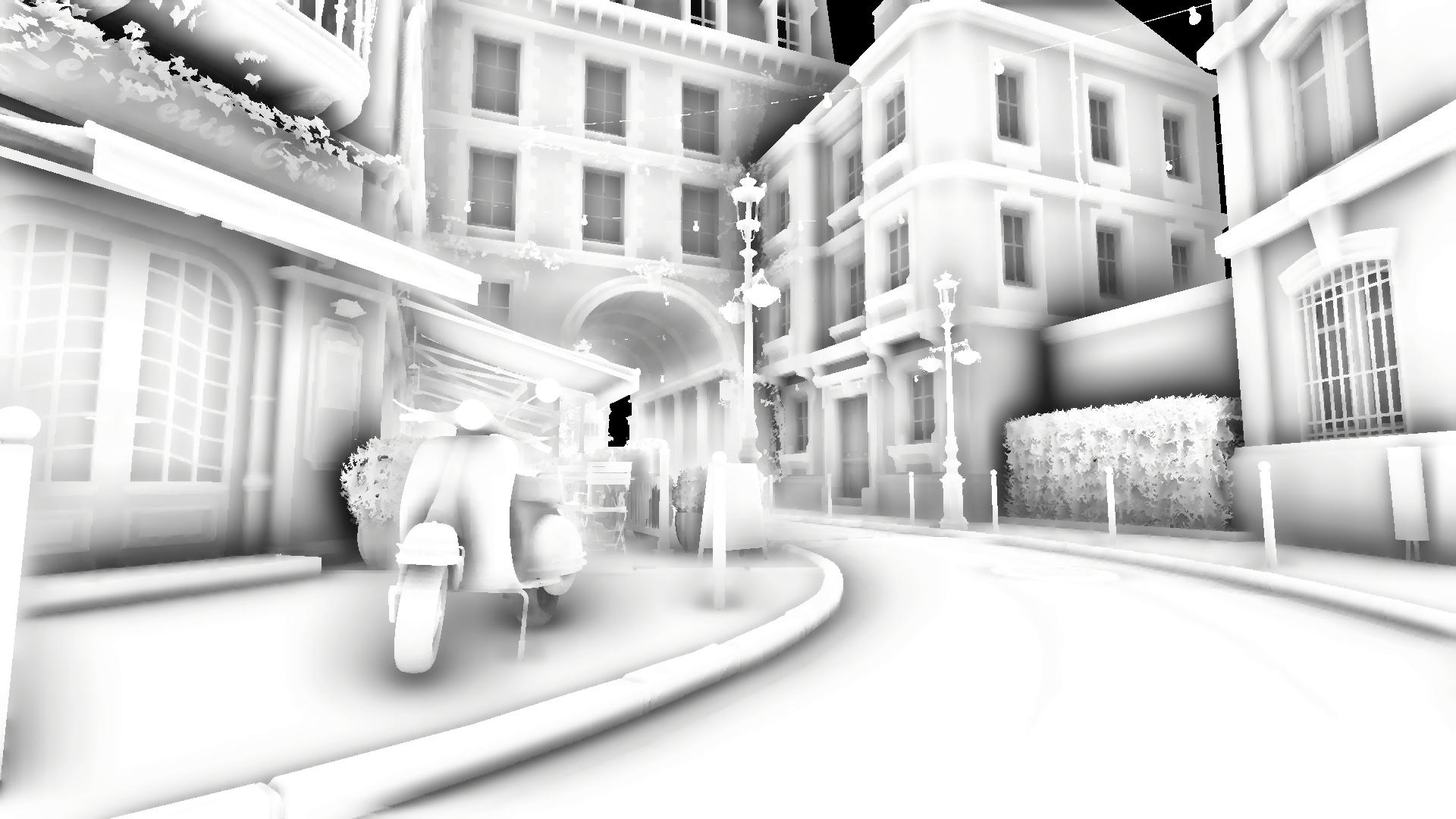
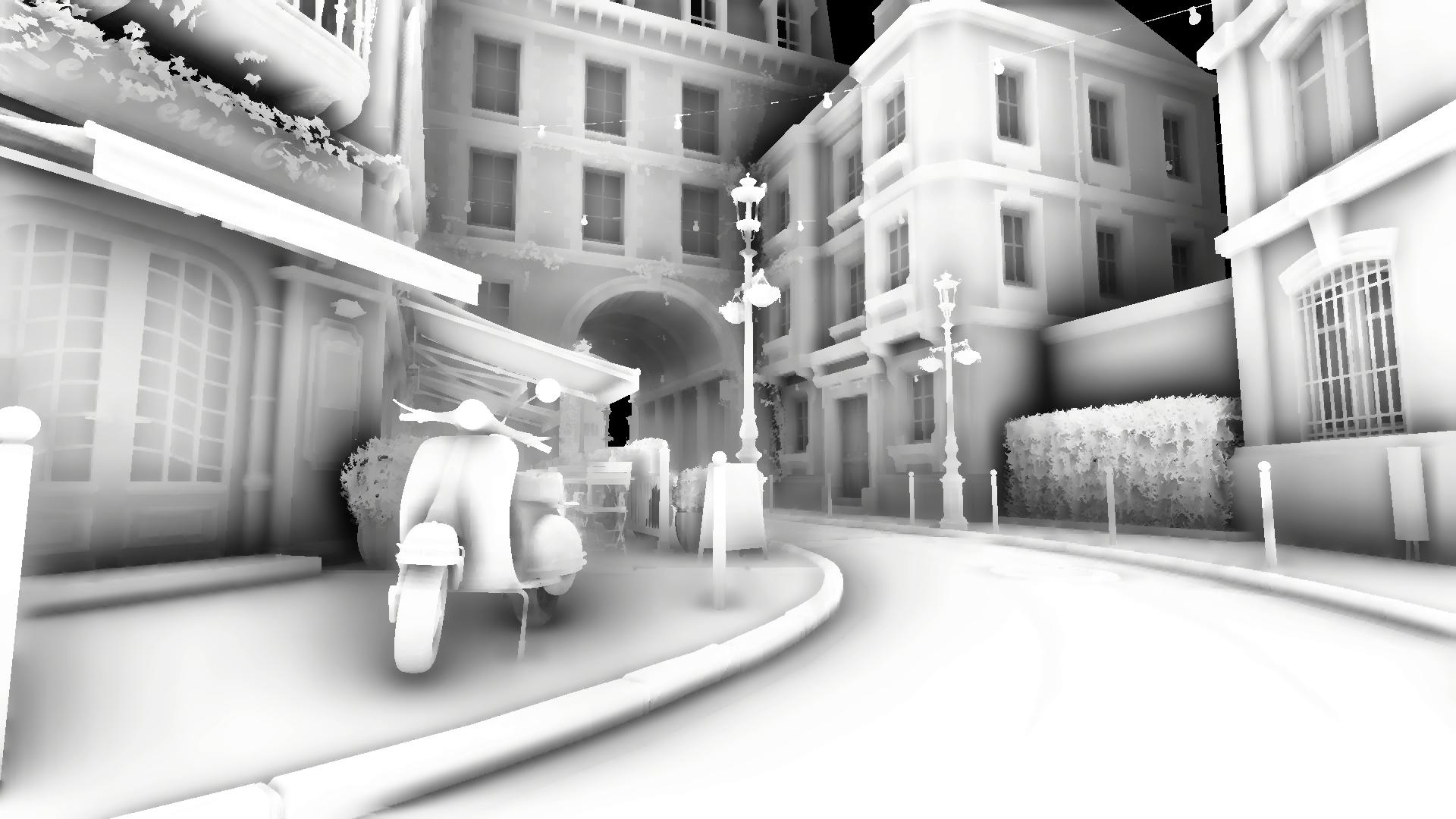
Radius
Defines the maximum distance in meters for occluder search.
- For HDRP this roughly corresponds to the Radius of the SSAO override.
- For URP this roughly corresponds to the Radius of the native SSAO renderer feature.
Unlike GTAO or RTAO, SSAO performs occlusion search across nearby pixels over multiple passes, where each consecutive pass increases the search distance. The Radius slider controls the number of passes. Since SSAO is not bound by world-space units, its visual output may vary across different resolutions.
Performance impact: moderate
Thickness
Control the thickness of the surfaces on screen. Because the screen-space algorithms can not distinguish thin objects from thick ones, this property helps trace rays behind objects, treating them uniformly.
Performance impact: insignificant
![Thickness 0 [SSAO]](/ao/v2/assets/Image%20Sequence_090_0000.png)
![Thickness 1 [SSAO]](/ao/v2/assets/Image%20Sequence_091_0000.png)
Exclude Casting [Unity 6000+]
Excludes objects from casting AO on a per-layer basis via the Rendering Layer Mask. This feature works by clearing the pixels of excluded objects from the local depth buffer used by HTrace AO (while leaving Unity's original depth buffer intact). Objects excluded via this option are displayed as red in the Depth Debug Mode.
In URP this feature is available only in Deferred and Deferrred+ rendering paths. You can use Prepass Layer Mask in the Universal Renderer Data as an alternative.
Keep in mind that excluding objects does not make other objects behind them visible to screen-space rays, since this operation only erases data from the depth buffer but cannot restore the information behind the excluded areas.
.png)
.png)