 HTrace Ambient Occlusion
Pipeline Integration
Injection Point [URP]
Defines the point at which AO is rendered in the Universal Render Pipeline.
- Before Opaque: renders AO before the GBuffer pass (in Deferred mode) or the Forward pass (in Forward mode), making occlusion results available to shaders early in the pipeline. This mode is designed primarily for sampling AO in Shader Graph or custom shaders. If this option is selected, the occlusion output is split: one copy is sent to shaders and another is output to the frame as usual. If you don't want the latter, you can safely reduce Intensity to 0, as it won't affect the copy sent to shaders.
- Before Lighting: injects AO as if it were URP's native SSAO, letting URP combine it correctly with the rest of the lighting. This is the recommended default option if you don't need to sample AO in shaders.
- After Opaque: overlays AO on top of the final frame late in the pipeline, once every opaque pass is finished. Can help in cases where a manually rendered object with a custom shader doesn't receive or cast occlusion correctly due to not writing depth or normals in earlier passes. This injection point sacrifices correct lighting integration — for example, it will occlude direct lighting as well. Only recommended when neither of the above options is viable.
When using the Before Opaque injection point, Exclude Casting / Receiving masking options are unavailable, even in Deferred / + rendering paths, because this point is executed before the GBuffer pass, during which the Rendering Layer Mask is generated. However, since this point is intended for sampling the AO buffer directly in your own shaders, it gives you more granular control over receiving AO than masks: you can sample AO only on the objects / materials / shaders where you actually need it.
Sampling HTrace AO in Shader Graph
HTrace AO for URP comes with a Sample Scene that provides an example of AO sampling in Shader Graph. When you switch the Injection Point to Before Opaque, you will notice that the HTrace Material Ball object outputs custom red-colored AO. This object uses the AO Material Example Graph shader, which you can inspect to see how AO sampling is performed. For convenience, we provide our SampleHTraceAO custom function node, which can be included in your Shader Graphs.
Be aware that there’s a known bug on Unity’s side that you may encounter if you’re running the Deferred /+ rendering path. The effect may look incorrect in this case.
.png)
.png)
Reconstruct Normals [URP]
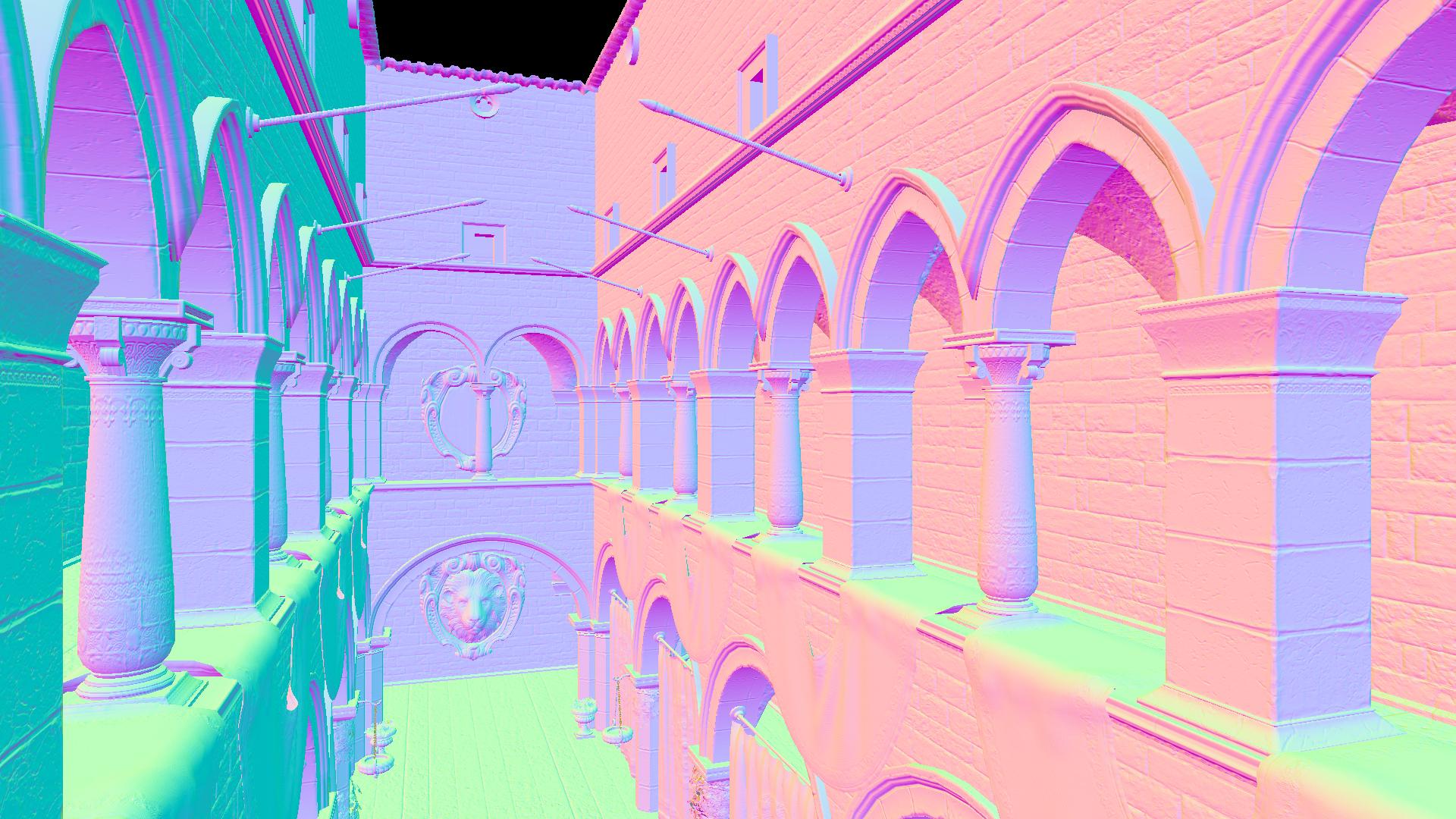
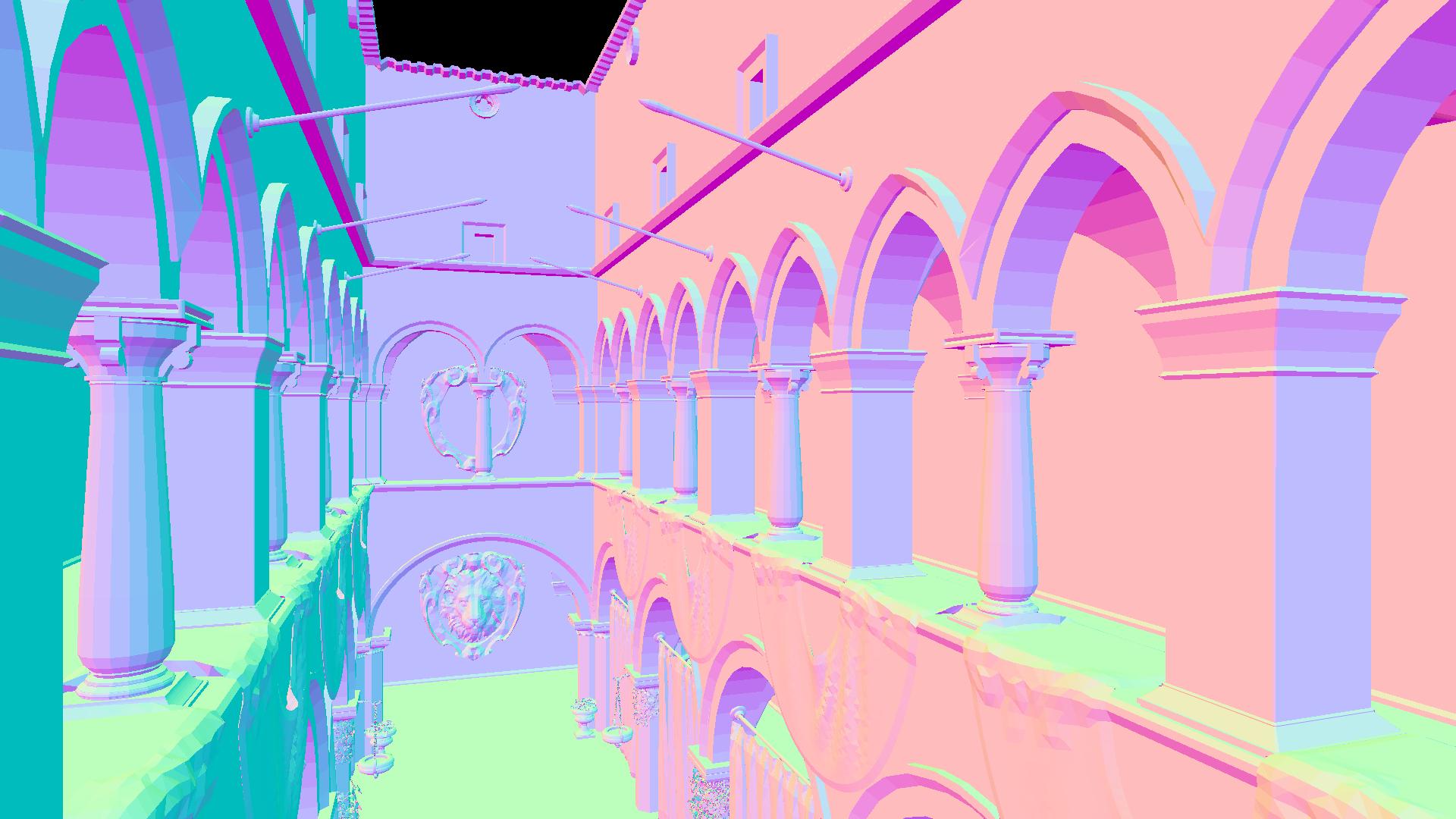
Reconstructs normals from the depth buffer. Normals reconstructed this way are flat and represent raw polygonal geometry, without accounting for smoothing groups or normal map details. This option is useful in combination with the After Opaque Injection Point, when a custom shader or object cannot write to the normal buffer, or when the normal buffer is otherwise unavailable.
Performance impact: small