 HTrace Ambient Occlusion
Visuals
Fadeout
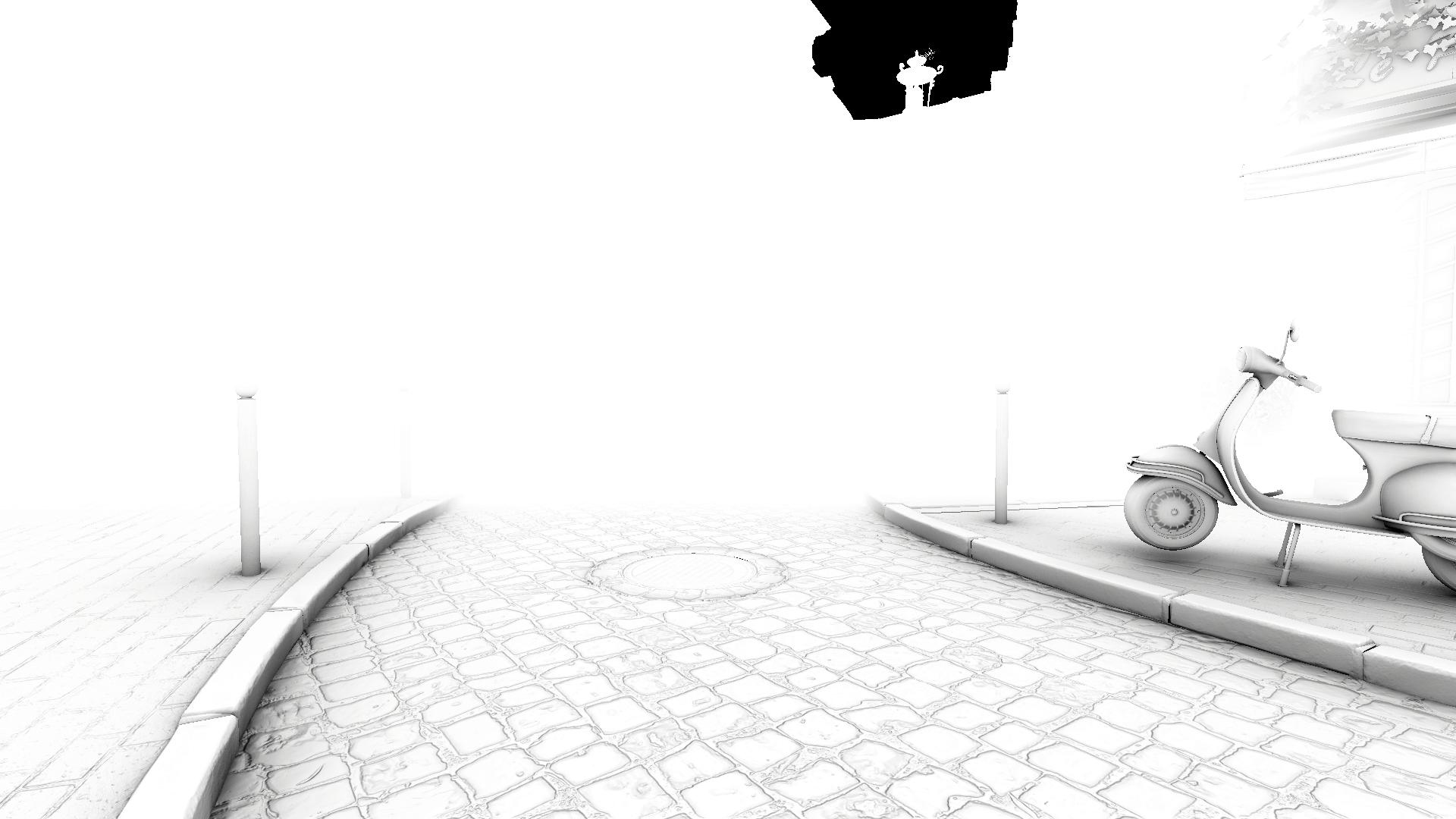
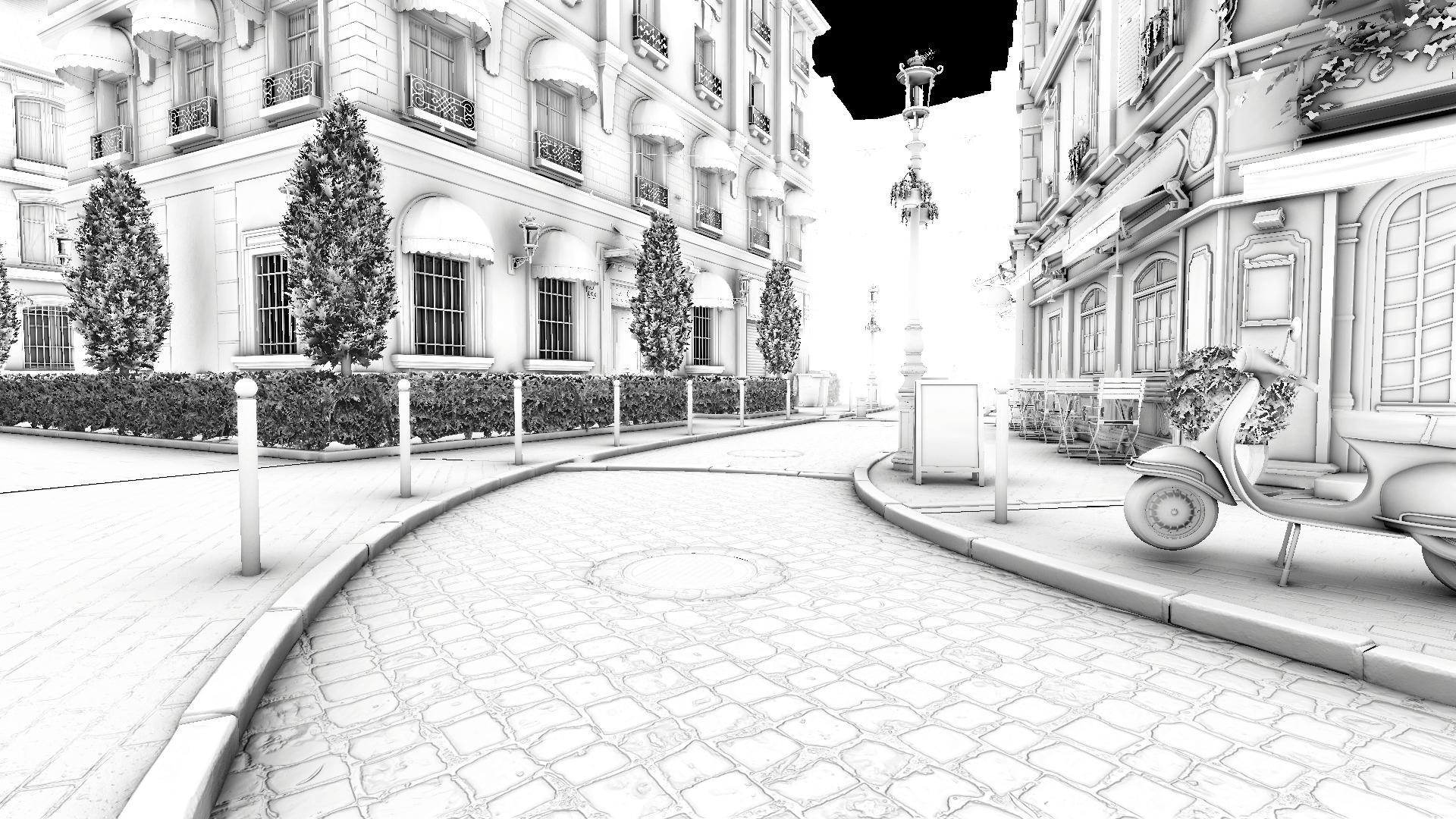
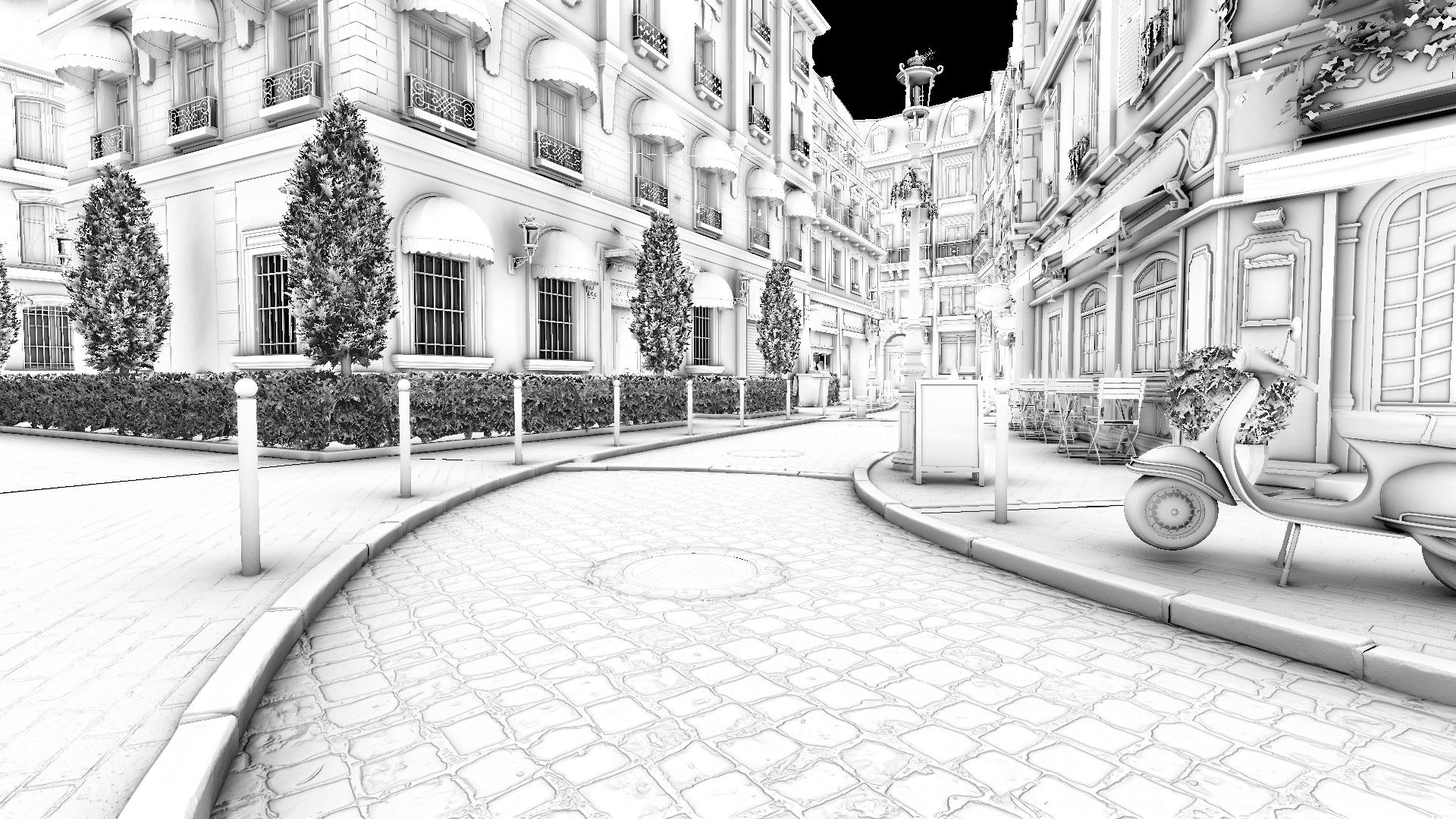
Defines the distance (in meters) at which the occlusion effect fades out. Setting this value to 0 disables fadeout completely, letting AO be visible at any distance.
Performance impact: none
Intensity
Guides the final intensity of the ambient occlusion, higher values result in darker occlusion output.
- For HDRP this corresponds to the Intensity of the SSAO override.
- For URP this corresponds to the Intensity of the SSAO renderer feature.
Performance impact: none
![Intensity 1 [GTAO]](/ao/v2/assets/Image%20Sequence_041_0000.jpg)
![Intensity 3 [GTAO]](/ao/v2/assets/Image%20Sequence_042_0000.jpg)
Direct Lighting Occlusion
Defines how visible the effect is in areas exposed to direct lighting. It's recommended to use 0 for maximum physical accuracy.
- For HDRP this corresponds to the Direct Lighting Strength of the SSAO override.
- For URP this corresponds to theDirect Lighting Strength of the SSAO renderer feature.
Performance impact: none
![Direct Lighting Occlusion 0 [RTAO]](/ao/v2/assets/Image%20Sequence_100_0000.png)
![Direct Lighting Occlusion 1 [RTAO]](/ao/v2/assets/Image%20Sequence_101_0000.png)
Exclude Receiving [Unity 6000+]
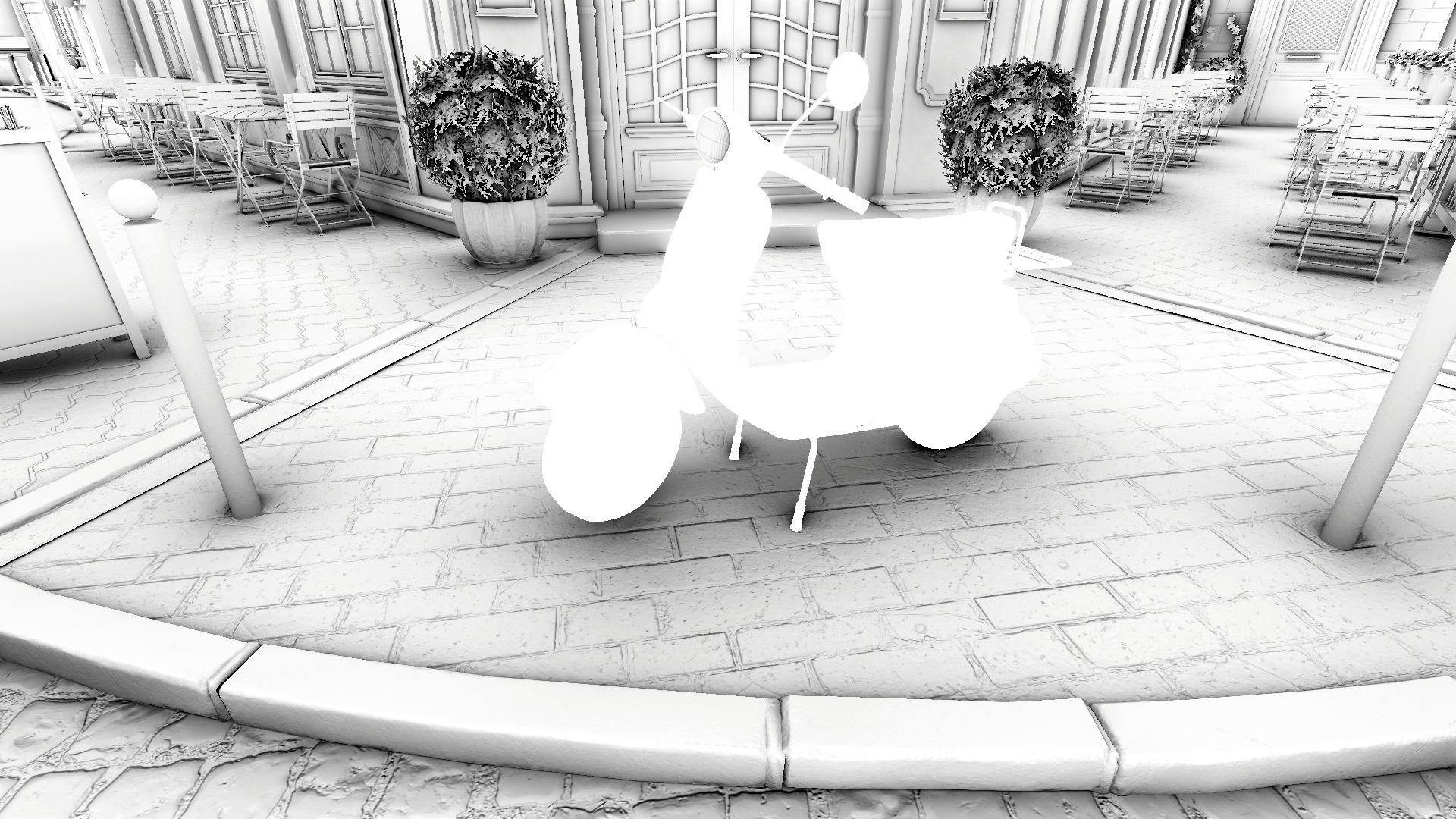
Excludes objects from receiving AO on a per-layer basis via the Rendering Layer Mask. When at least one layer is selected, an additional Intensity slider appears. This slider lets you reduce the AO intensity on the excluded object rather than disabling occlusion entirely. This option is useful for tuning down the effect on meshes that cast overly dark occlusion, such as foliage.
To use this feature, make sure that Rendering Layers are enabled:
HDRP:
- Project Settings → Quality → HDRP → Lighting → Rendering Layer Mask Buffer
- Camera → Rendering → Custom Frame Settings → Rendering → Rendering Layer Mask Buffer
- Project Settings → Graphics → Pipeline Specific Settings → HDRP → Frame Settings (Default Values) → Camera → Rendering → Rendering Layer Mask Buffer
URP:
- Universal Rendering Pipeline Asset → Lighting → Use Rendering Layers
In URP this feature is available only in Deferred and Deferred+ rendering paths.


Performance impact: small
Early Out [Unity 6000+]
Appears only when at least one layer is selected in the Exclude Receiving mask and Exclude Receiving Intensity is set to 0. Works only in GTAO and RTAO modes.
When this option is enabled, all shader passes skip processing pixels excluded via the Exclude Receiving mask. This can improve performance when a large number of pixels are excluded. It can be useful when AO is required only for a few objects, such as first-person hands, with small and predictable screen coverage.
Performance impact: beneficial